
Digital design and print design are not the same skill. Treating them as identical leads to color errors, bad prints, wasted budgets, and frustrated clients. This guide explains the real, practical differences designers must understand to work professionally in both.
The debate around digital design vs print design is not about choosing one over the other. It’s about understanding how each medium behaves, how users interact with it, and how design decisions must adapt based on the final output.
Why Understanding Digital Design vs Print Design Matters
Most designers start with digital work. Problems appear when they move into print without understanding production rules.
Definition:
Digital design is created for screens. Print design is created for physical production using ink, paper, and real-world constraints.
- Wrong color modes cause dull prints
- Low resolution creates blurry text
- Missing bleed leads to cut errors
- Clients lose trust
What Is Digital Design?
Digital design focuses on screen-based experiences.
Common Digital Design Uses
- Websites and landing pages
- Social media graphics
- Mobile and app interfaces
- Digital ads and banners
- Email visuals
Core Digital Design Characteristics
- RGB color mode
- 72–144 DPI resolution
- Flexible layouts
- Screen-based output
اFor common tools: Figma، Adobe XD، Photoshop، Canva
When comparing digital design vs print design, the biggest mistake designers make is assuming that screen-based decisions translate directly to physical output. Color modes, resolution, and material limitations change the entire design process.
What Is Print Design?
Print design focuses on physical materials that will be produced using ink and paper.
Common Print Design Uses
- Packaging and labels
- Business cards
- Posters and flyers
- Books and magazines
- Product inserts
Core Print Design Characteristics
- CMYK color mode
- 300 DPI resolution
- Bleed, trim, and safe zones required
- Fixed layouts
Common tools: Adobe Illustrator, Adobe InDesign, Acrobat Pro
Digital Design vs Print Design Comparison
| Aspect | Digital Design | Print Design |
|---|---|---|
| Color Mode | RGB | CMYK |
| Resolution | 72–144 DPI | 300 DPI |
| Output | Screens | Physical materials |
| File Formats | PNG, JPG, SVG | PDF, AI, EPS |
| Error Impact | Low | High and costly |
RGB vs CMYK: Where Most Designers Fail
Fact: Colors designed in RGB will never print exactly the same in CMYK.
RGB uses light. CMYK uses ink. Ignoring this difference causes washed-out colors and weak blacks in print projects.
Color mistakes are the fastest way to burn money in print.
Color Management for Print Designers in 2026: A Practical Soft-Proof Workflow That Prevents Reprints
File Setup Differences Designers Must Respect
Digital Design Files
- No bleed required
- Optimized image export
- Responsive layouts
Print Design Files
- Bleed (3mm or 0.125 in)
- 300 DPI images
- Embedded fonts
- CMYK color mode
If your print files get rejected—or your final prints never match the screen—this guide is for you.
Print Design & Printing Explained: Clear Answers to the Most Common Print Questions
Real Example From the U.S. Market
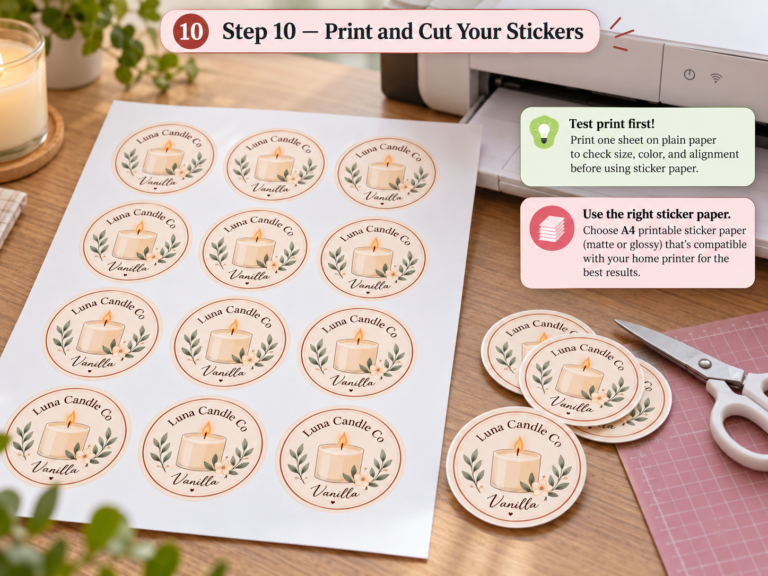
A small U.S. candle brand ordered product labels designed digitally. The designer used RGB, skipped bleed, and exported JPG files.
Result: Misaligned cuts, wrong colors, and a full reprint paid by the brand.
My Real Experience at Busho Designer
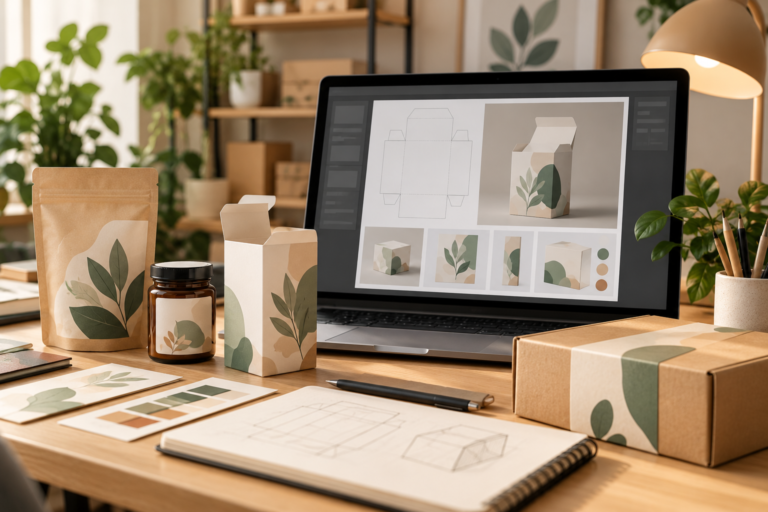
When I started designing packaging dielines and print-ready products, I learned quickly that digital-only skills were not enough.
Early prints looked fine on screen but failed in production. Switching fully to Illustrator, designing in CMYK, and testing prints changed my workflow and improved client trust.
Tools I Actually Use
- Adobe Illustrator for vector packaging design
- Adobe InDesign for multi-page print layouts
- Pantone Color Bridge for color accuracy
- Print test sheets before final delivery
Common Print Design Mistakes
- Designing print files in RGB
- Ignoring bleed and trim
- Using low-resolution images
- Sending JPG files instead of PDFs
Practical Tips You Can Apply Today
- Always define: digital or print?
- Set the correct color mode before designing
- Request printer specs early
- Test small prints first
- Create print presets
Digital design serves screens, while printed design serves reality. Understanding production principles is what distinguishes amateurs from professionals.
Understanding digital design vs print design helps creators avoid costly production errors, unrealistic expectations, and weak user experiences. Each discipline requires its own mindset, tools, and technical awareness.
If you design print projects like digital files, you lose money. Respect print rules to gain trust and long-term clients.
FAQ
Can I use the same design for digital and print?
No. Files must be adapted.
Is CMYK required for print?
Yes, unless specified otherwise by the printer.
What DPI should print designs use?
300 DPI.
Is Canva suitable for print design?
Only for simple projects.
Best tool for packaging design?
Adobe Illustrator.
Sources
We offer ready-to-use design templates. Visit the shop: