
Affiliate disclosure: This post contains affiliate links. If you purchase through them, I may earn a commission at no extra cost to you. As an Amazon Associate I earn from qualifying purchases.
The best Cricut Maker 3 accessories can help small business owners create professional packaging, labels, stickers, and branded products more efficiently.
If you own a Cricut Maker 3, choosing the right accessories can make a huge difference in your workflow. While the machine itself is powerful, the right tools, mats, materials, and accessories help small business owners create professional packaging, labels, stickers, and branded products more efficiently.
Whether you’re designing custom packaging, product labels, thank-you cards, or vinyl decals, these Cricut Maker 3 accessories can help improve accuracy, save time, and reduce material waste.
In this guide, we’ll cover the best Cricut Maker 3 accessories for packaging and small business projects in 2026.
Best Packaging Tools for Small Business
Most Popular Cricut Machines in 2026
Before choosing Cricut Maker 3 accessories, it’s helpful to understand how the Maker 3 compares to other popular Cricut machines.
These three models remain among the most popular options for crafters, packaging designers, and small business owners.
| Feature | Cricut Maker 3 | Cricut Explore 3 | Cricut Joy Xtra |
|---|---|---|---|
| Best For | Professional projects and packaging | Small businesses and beginners | Labels and stickers |
| Compatible Materials | 300+ | 100+ | 75+ |
| Max Cutting Width | 11.7 in | 11.7 in | 8.5 in |
| Smart Materials | Yes | Yes | Yes |
| Print Then Cut | Yes | Yes | Yes |
| Advanced Tools | Yes | Limited | No |
| Ideal For Packaging | ⭐⭐⭐⭐⭐ | ⭐⭐⭐⭐ | ⭐⭐⭐ |
1. Cricut Maker 3
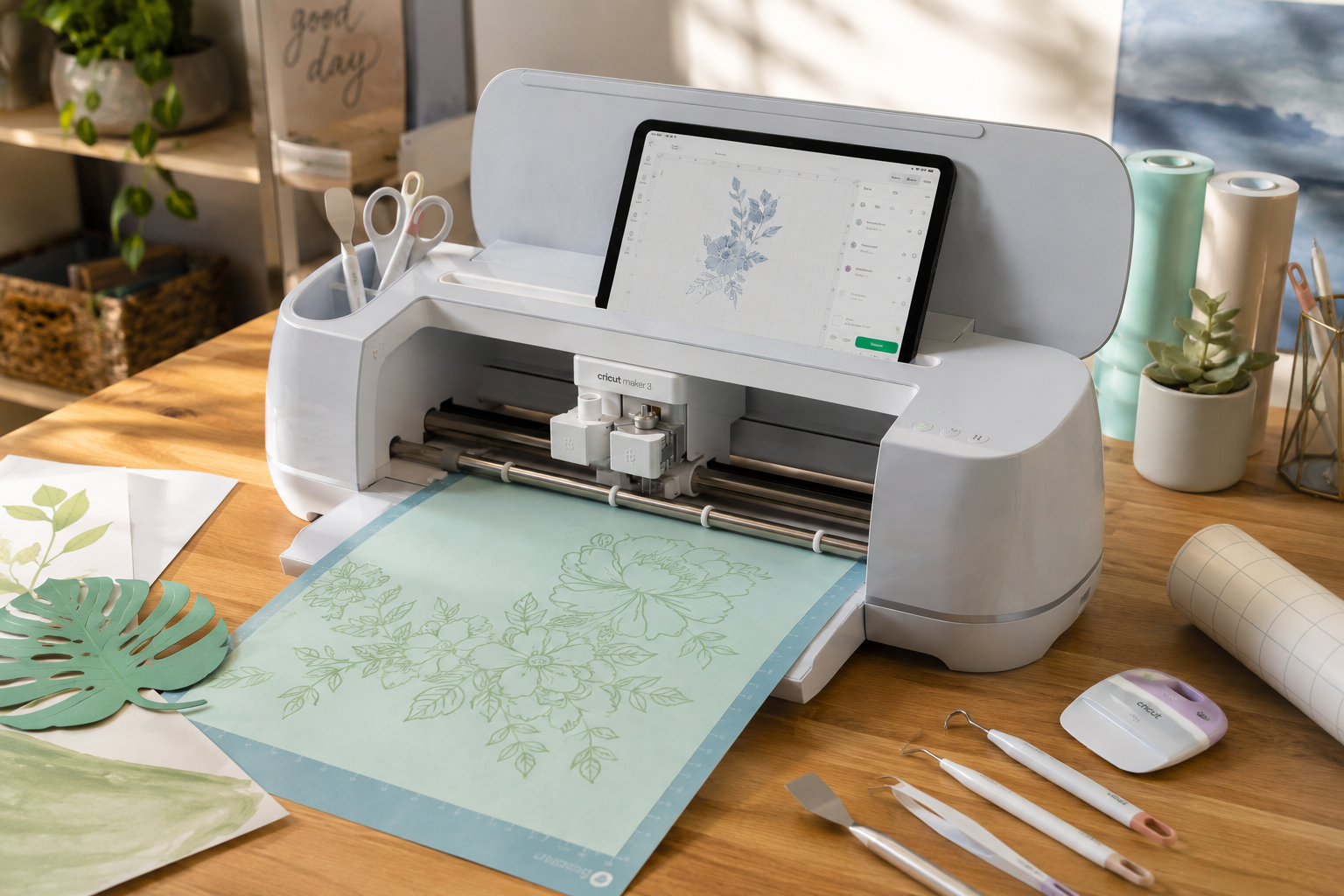
The Cricut Maker 3 is the most versatile Cricut machine available for small businesses. It supports more than 300 materials and works with advanced tools for scoring, engraving, debossing, and cutting thicker materials. This makes it an excellent choice for packaging inserts, custom gift boxes, premium labels, and product branding projects.
2. Cricut Explore 3
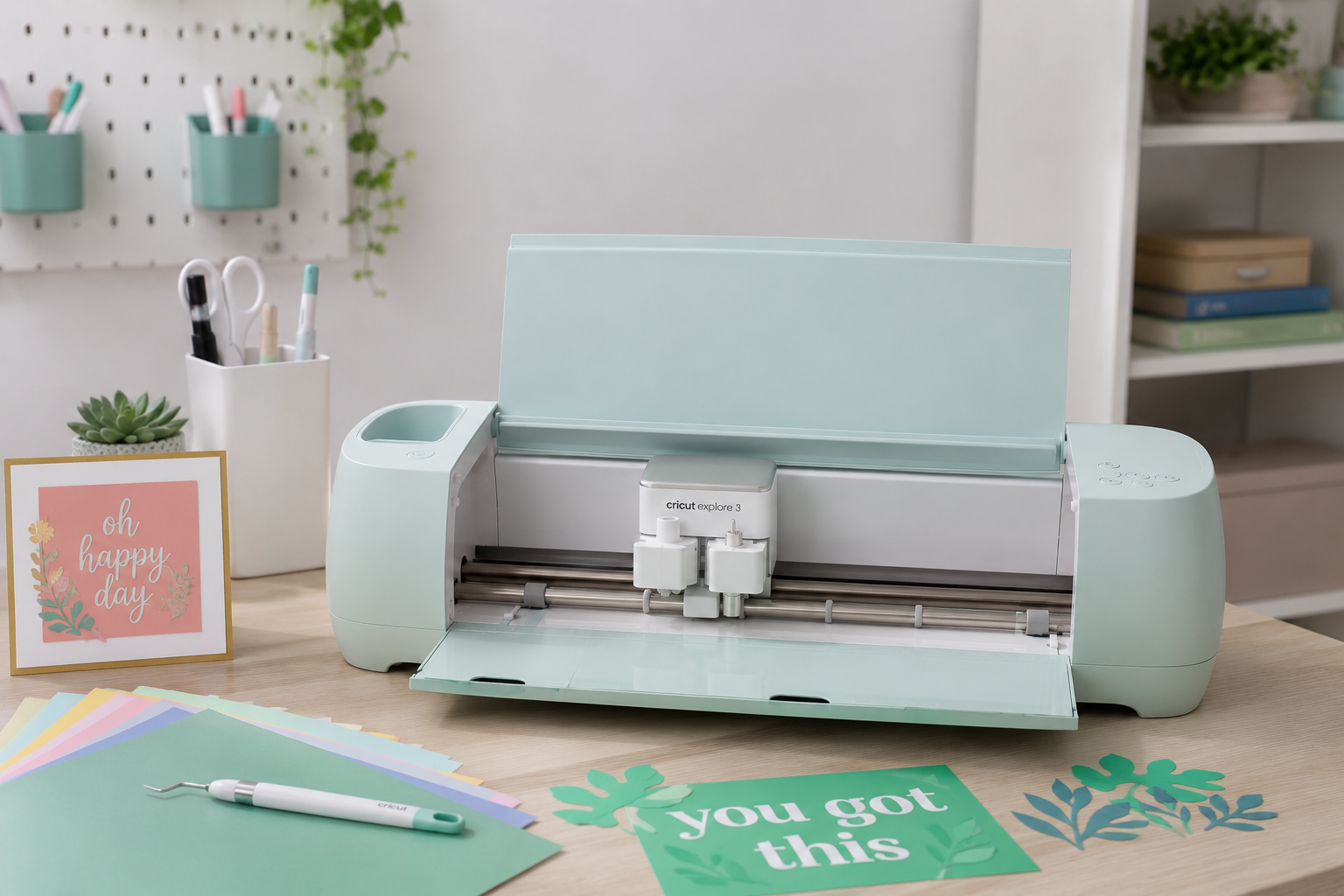
The Cricut Explore 3 is a strong mid-range option. It supports more than 100 materials and offers Smart Material compatibility for faster mat-free cutting. Many small business owners choose it for stickers, labels, cards, and lightweight packaging projects.
3. Cricut Joy Xtra
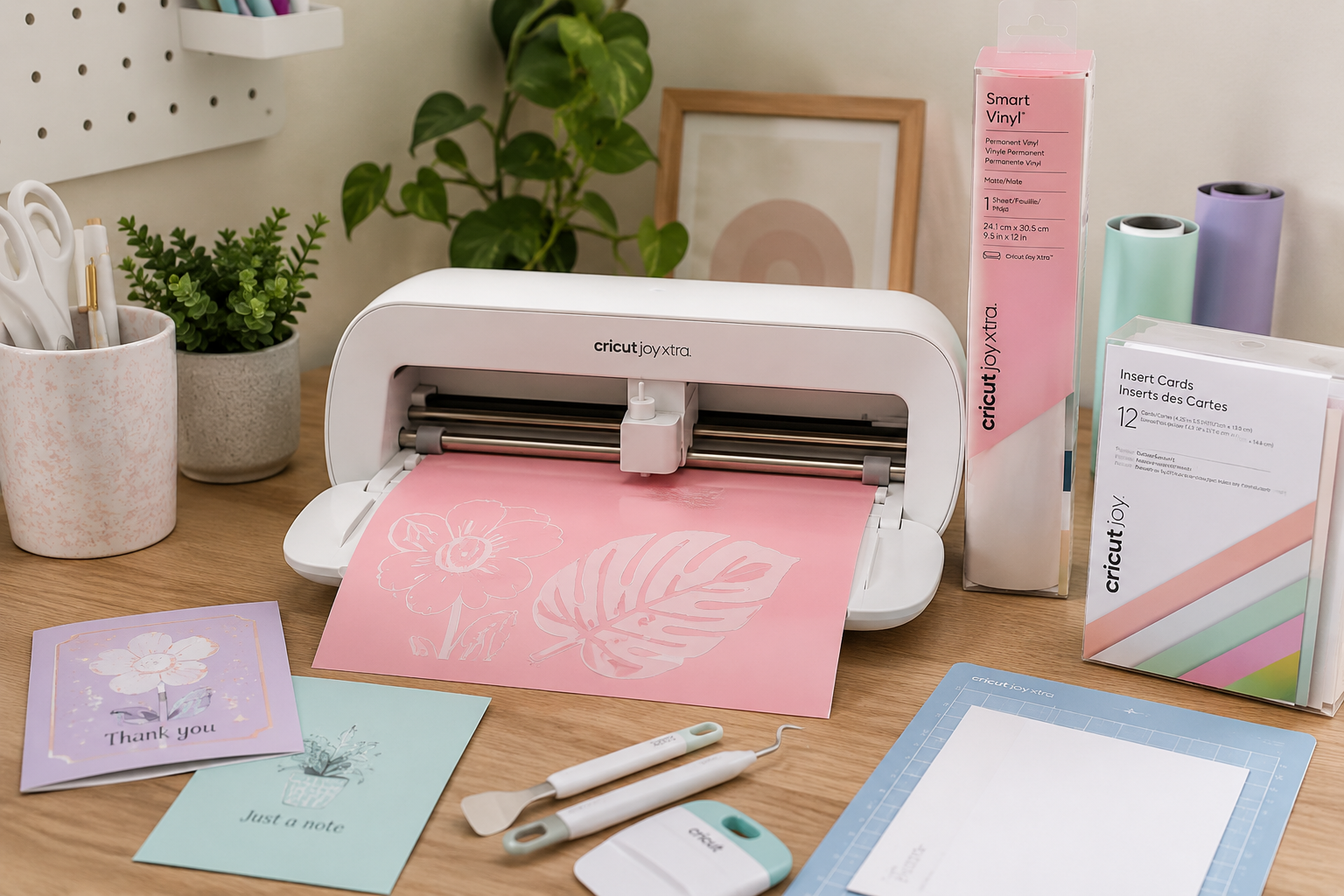
The Cricut Joy Xtra is a compact machine designed for labels, stickers, decals, and small branding projects. It is particularly popular among home-based businesses because it requires little workspace and handles everyday packaging tasks efficiently.
Which Cricut Machine Is Best for Packaging?
If your goal is professional packaging, product inserts, and advanced customization, the Cricut Maker 3 is the clear winner. For most small businesses, the Explore 3 offers a good balance between price and functionality. If your focus is primarily labels and stickers, the Joy Xtra provides an affordable and space-saving solution.
Quick Recommendations
| Accessory | Best For |
|---|---|
| Cricut StandardGrip Cutting Mat | Cardstock and packaging projects |
| Cricut Smart Materials | Mat-free cutting |
| Cricut Vinyl Transfer Tape | Applying logos and decals |
| Cricut Heat Resistant Tape | Heat transfer projects |
| Cricut Fine-Point Blade | Everyday cutting |
| Cricut Weeding Tools | Detailed vinyl designs |
Why Cricut Maker 3 Is Popular for Small Businesses
The Cricut Maker 3 is one of the most versatile cutting machines available for small business owners.
It can cut:
- Vinyl
- Sticker paper
- Cardstock
- Kraft paper
- Iron-on materials
- Packaging materials
Combined with Cricut Design Space, it allows users to create professional packaging and branding elements without investing in expensive equipment.
If you’re designing labels before cutting them, our complete Canva packaging design guide explains how to create professional artwork for Cricut projects.
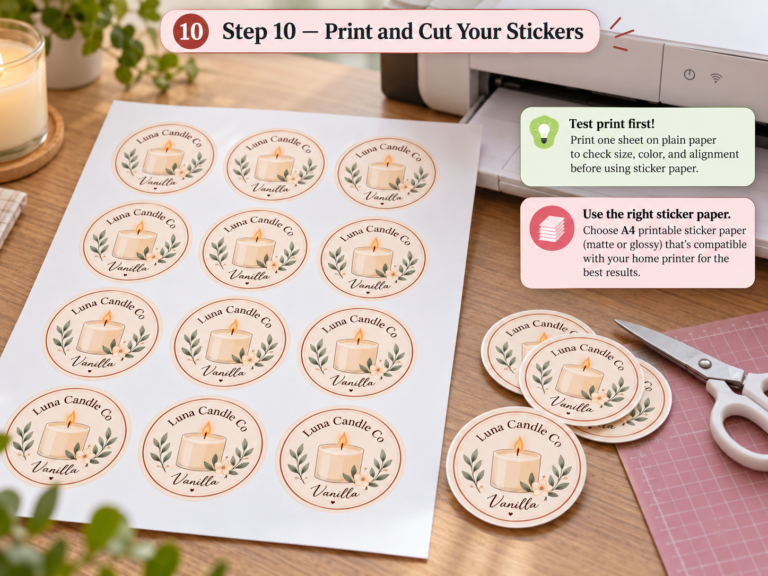
For Print Then Cut projects, compare the best printable sticker paper for small businesses before choosing your material. If you also need the printer that creates the full-color sticker sheet before cutting, see our best printer for stickers comparison.
Best Cricut Maker 3 Accessories for Packaging
1. Cricut Maker 3 Cutting Mat
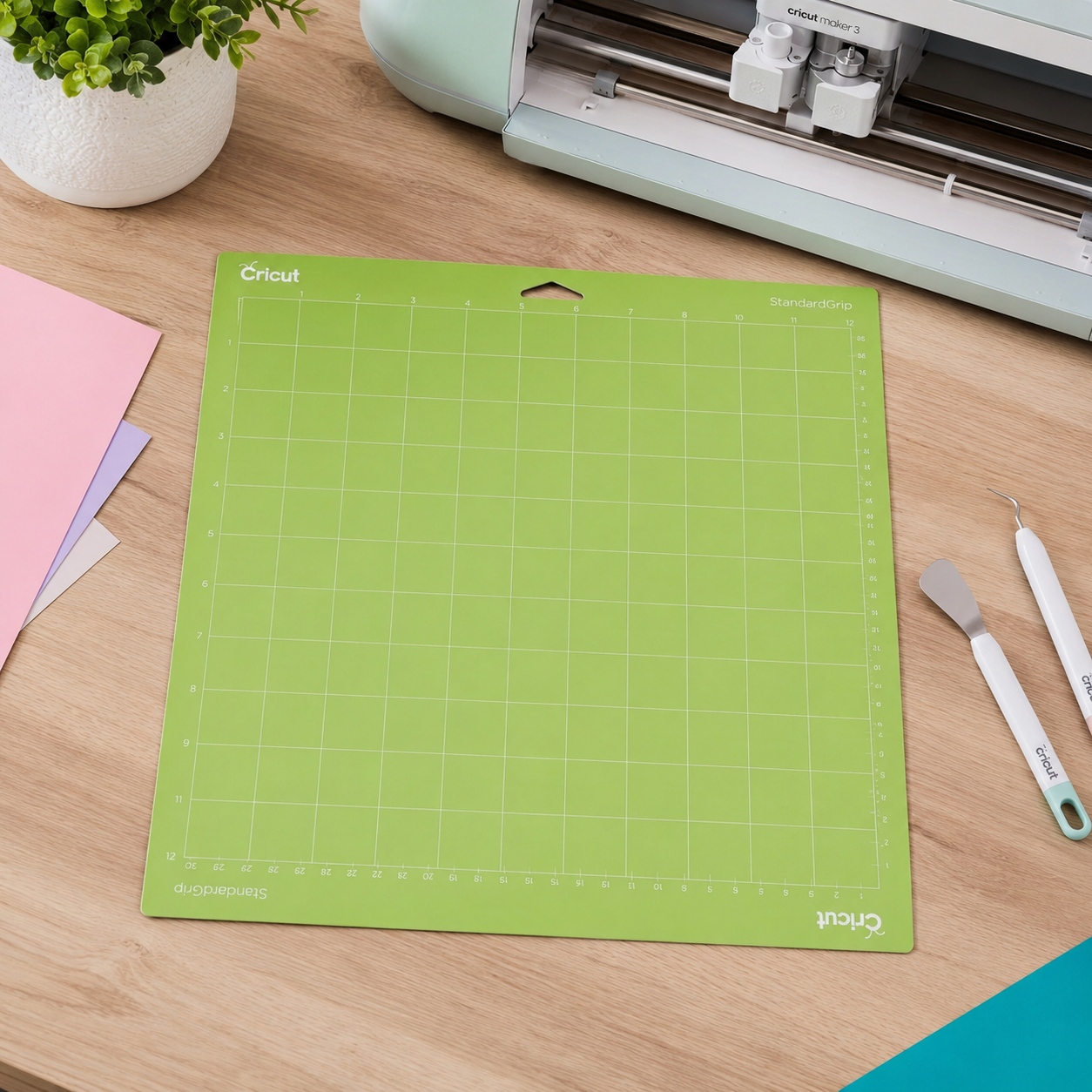
A Cricut Maker 3 cutting mat is one of the first accessories every business owner should buy.
The mat keeps materials securely in place during cutting and helps improve accuracy.
It works especially well for:
- Packaging inserts
- Product tags
- Gift boxes
- Cardstock labels
- Custom packaging components
For frequent users, keeping multiple mats available can significantly improve productivity.
Pros
- Better cutting precision
- Supports different materials
- Essential for cardstock projects
Best For
Small businesses creating packaging inserts, labels, and folded packaging components.
2. Cricut Maker 3 Smart Materials
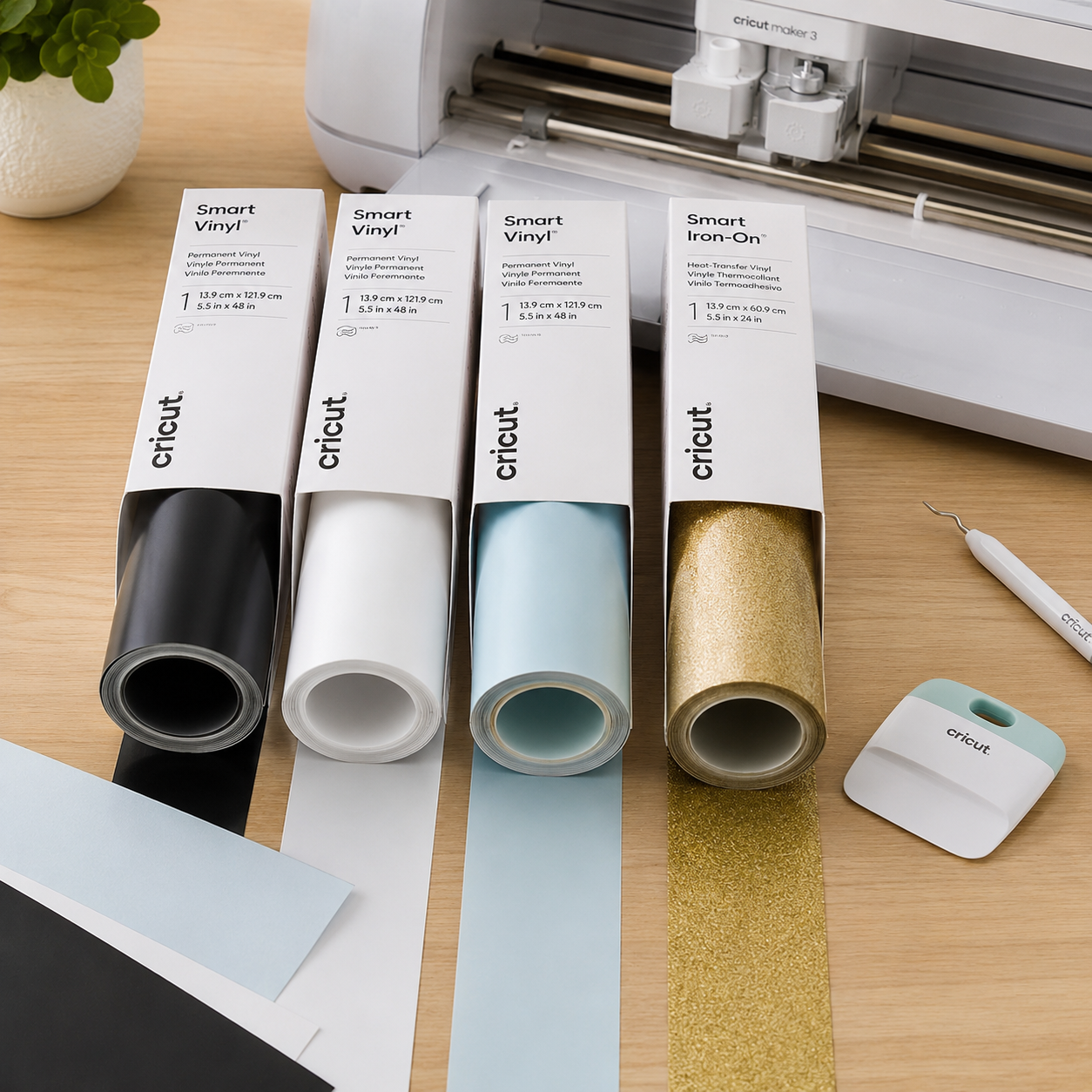
One of the biggest advantages of the Maker 3 is compatibility with Smart Materials.
These materials allow mat-free cutting, which speeds up production and reduces setup time.
Popular Smart Materials include:
- Smart Vinyl
- Smart Iron-On
- Smart Paper Sticker Cardstock
For businesses producing labels or decals regularly, Smart Materials can save considerable time.
Pros
- Faster workflow
- Less setup time
- Ideal for bulk production
Best For
Product labels, logo decals, and packaging branding.
Best Packaging Software for Small Business
3. Cricut Vinyl Transfer Tape
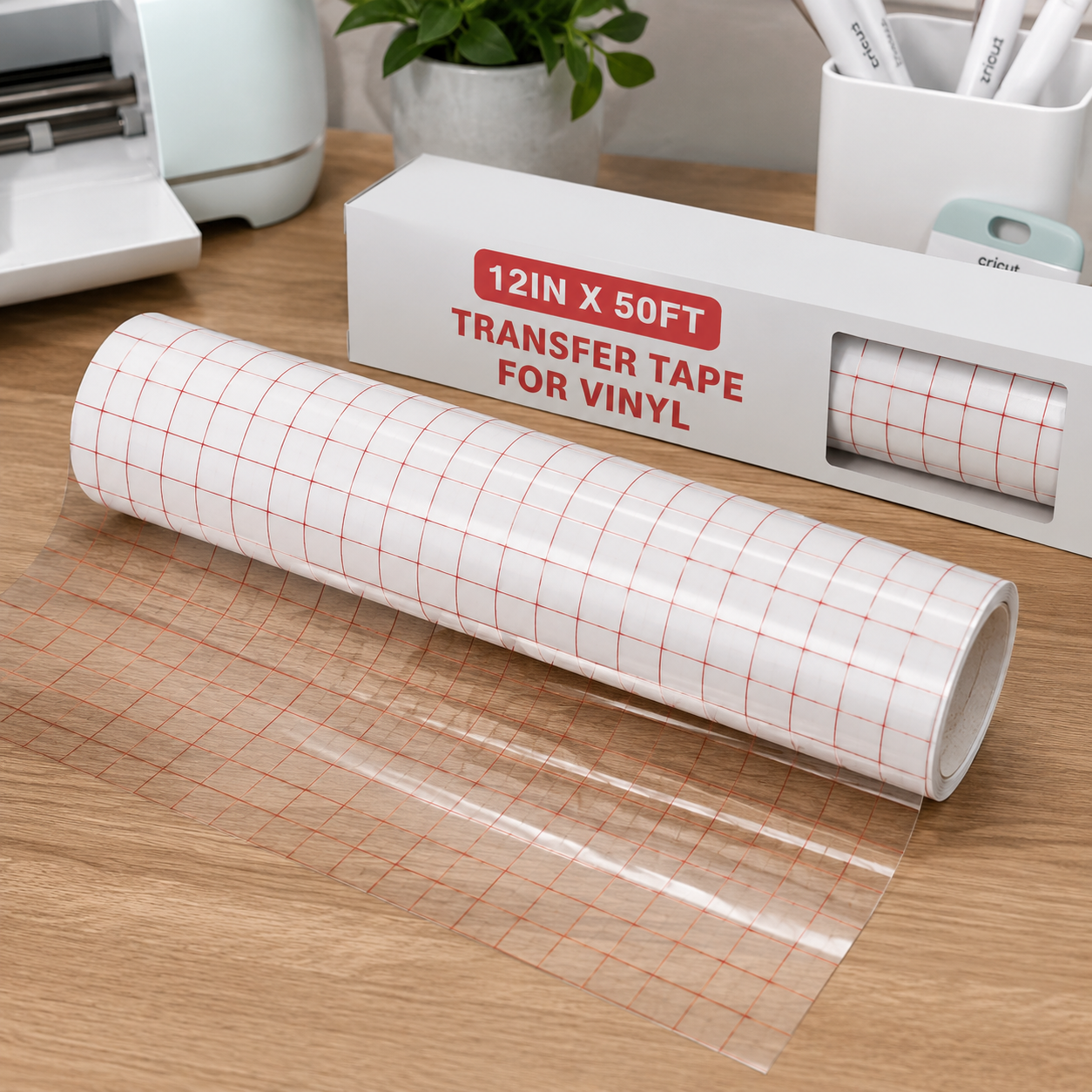
Cricut vinyl transfer tape helps move vinyl designs from the backing sheet onto packaging surfaces.
It is particularly useful for applying:
- Business logos
- Product branding
- Custom decals
- Packaging graphics
Without transfer tape, applying detailed vinyl designs can be difficult and time-consuming.
Pros
- Cleaner application
- Better alignment
- Professional-looking results
Best For
Branded packaging and promotional products.
Best Packaging Supplies for Small Business in 2026
4. Cricut Heat Resistant Tape
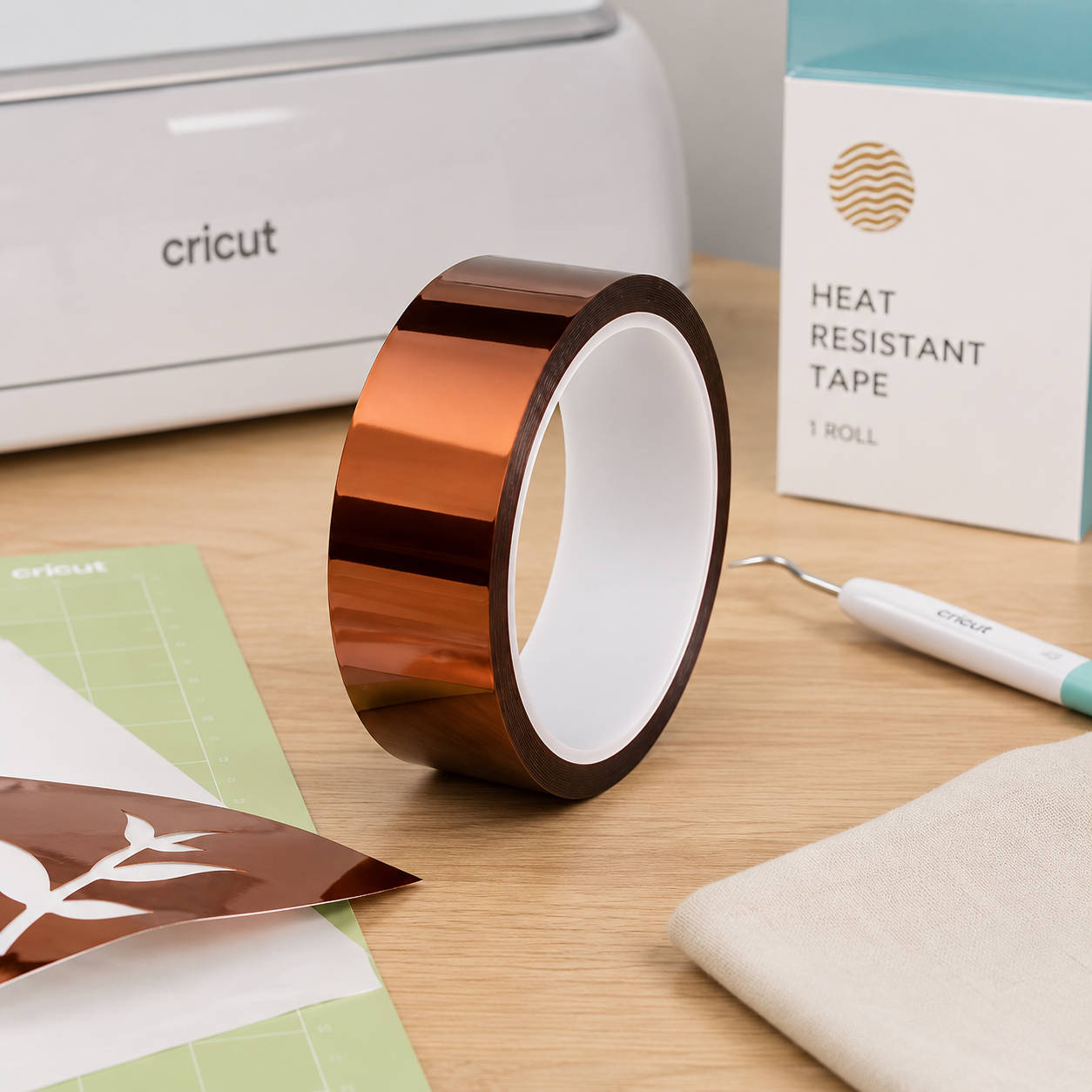
Heat resistant tape is a simple but valuable accessory.
It keeps materials secure during heat transfer applications and prevents shifting while pressing.
Many small businesses use Cricut heat resistant tape when creating:
- Fabric labels
- Tote bags
- Promotional merchandise
- Branded packaging elements
Pros
- Withstands high temperatures
- Leaves minimal residue
- Easy to use
Best For
Heat transfer vinyl and sublimation projects.
5. Cricut Fine-Point Blade
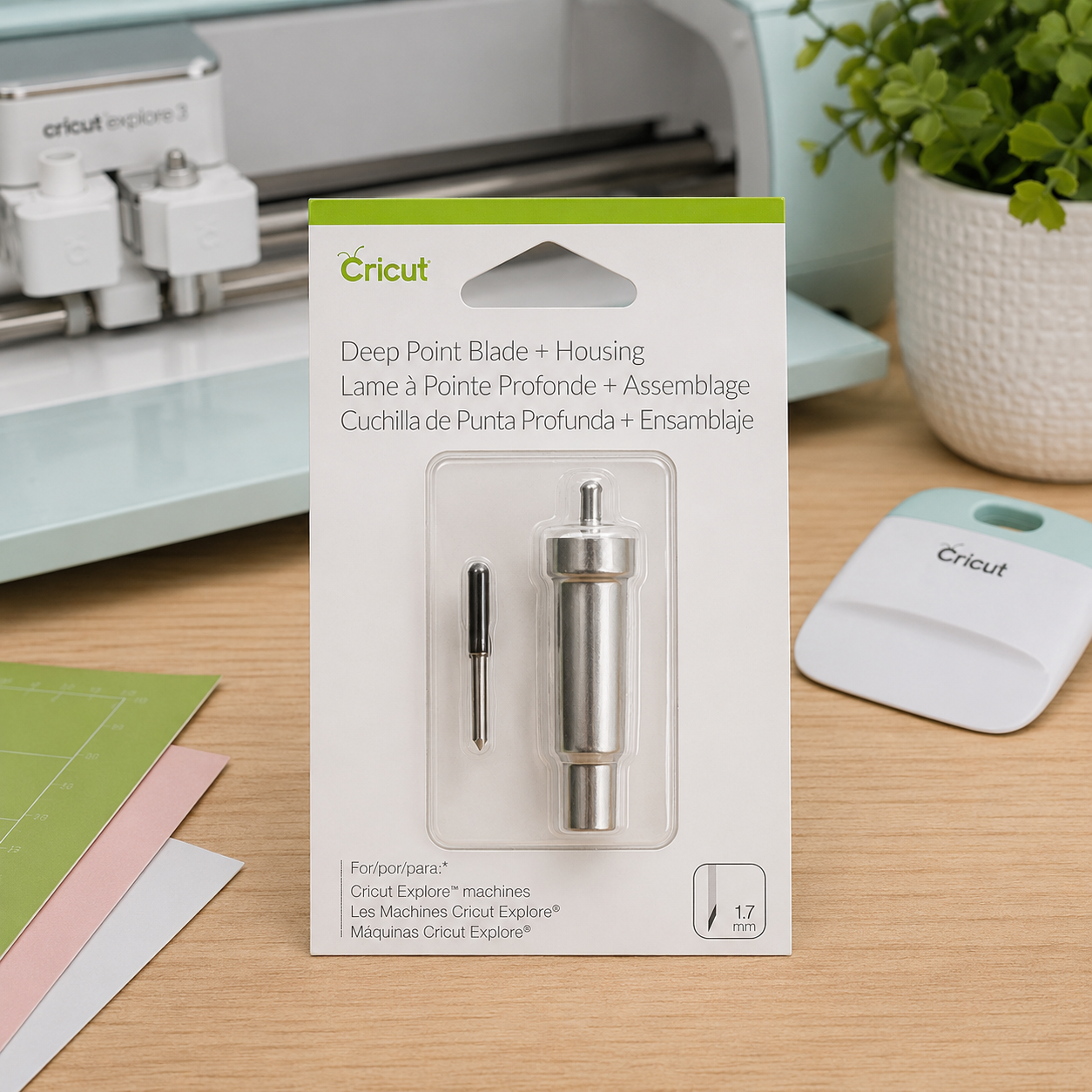
The Fine-Point Blade is one of the most frequently used Cricut Maker 3 accessories.
It delivers clean cuts for:
- Vinyl
- Sticker paper
- Cardstock
- Printable materials
Keeping a spare blade available helps maintain cutting quality as your business grows.
Best For
Daily production and packaging projects.
6. Cricut Weeding Tool Set
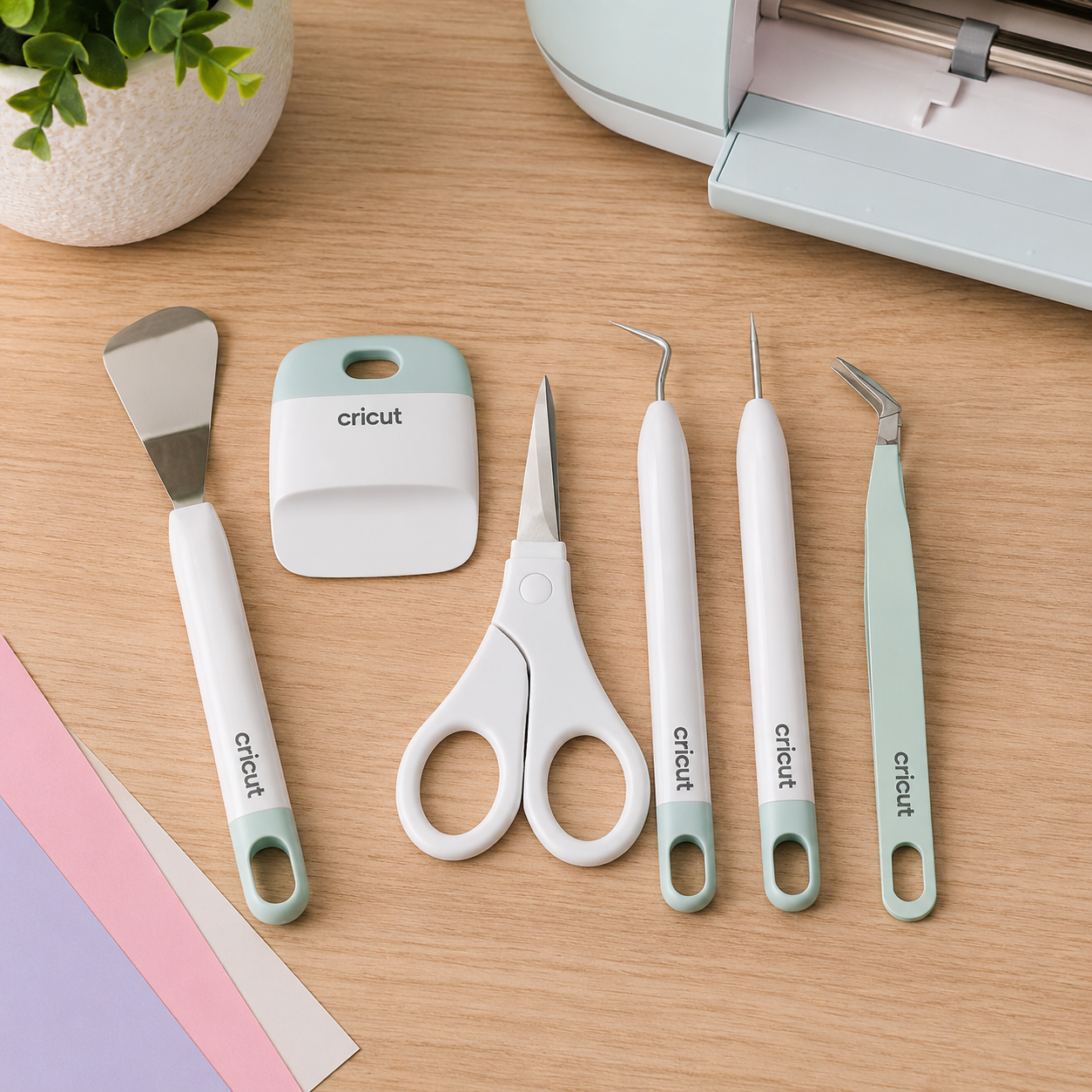
After cutting vinyl designs, excess material must be removed.
A weeding tool set makes this process faster and more precise.
These tools are particularly useful when working with:
- Small text
- Logo details
- Product labels
- Decorative packaging elements
Best For
Detailed branding projects.
Cricut Explore 3 Accessories vs Cricut Maker 3 Accessories
Many accessories are compatible with both machines.
However, Cricut Maker 3 users typically benefit more from:
- Smart Materials
- Advanced blades
- Heavier material support
If your business focuses on packaging and branding, the Maker 3 offers more flexibility for future growth.
Essential Cricut Accessories Checklist for Small Businesses
If you’re building a packaging workstation, start with these accessories:
✓ Cricut Maker 3 Cutting Mat
✓ Cricut Vinyl Transfer Tape
✓ Cricut Heat Resistant Tape
✓ Cricut Smart Materials
✓ Cricut Fine-Point Blade
✓ Cricut Weeding Tool Set
These accessories cover most packaging, sticker, and branding projects.
Frequently Asked Questions
What accessories do I need for Cricut Maker 3?
Most users should start with a cutting mat, transfer tape, Smart Materials, a Fine-Point Blade, and a weeding tool set.
Is Cricut Maker 3 good for packaging?
Yes. The Cricut Maker 3 is excellent for creating labels, packaging inserts, gift tags, stickers, and branded packaging elements.
What is the best Cricut accessory for product labels?
Transfer tape, Smart Vinyl, and a Fine-Point Blade are among the most useful accessories for label production.
Do I need Smart Materials for Cricut Maker 3?
No, but Smart Materials allow mat-free cutting and can significantly improve efficiency for repetitive business tasks.
Final Thoughts
The best Cricut Maker 3 accessories help small business owners create professional packaging while improving productivity and reducing waste. For most businesses, a cutting mat, transfer tape, Smart Materials, and a Fine-Point Blade are the most valuable investments.
As your production grows, adding specialized tools and materials can further streamline your workflow and help you create more polished packaging and branding materials.
Explore the Busho Designer shop for professional packaging templates, bakery box ideas, and small business packaging resources designed for modern handmade brands.