
Canva has become one of the easiest design tools for small business owners who want to create professional packaging without learning complex software. From product labels and thank-you cards to stickers, inserts, QR code cards, and printed marketing materials, Canva gives beginners a simple way to build branded packaging assets in one place.
But Canva is not only a template tool. It also includes brand management features, printing options, AI-powered design tools, background removal, QR code creation, mockups, and learning resources through Canva Design School.
This guide explains how to use Canva for packaging design, what it does well, where it has limitations, and how small businesses can use it to create better product presentation.
What Is Canva?
Canva is an online design platform that helps users create visual content using templates, drag-and-drop editing, images, fonts, graphics, and design tools. It is widely used by small businesses, creators, marketers, and beginners because it does not require advanced graphic design experience.
For packaging design, Canva can be used to create:
- Product labels
- Candle labels
- Soap labels
- Skincare labels
- Food product labels
- Thank-you cards
- Packaging inserts
- Logo stickers
- QR code cards
- Product care cards
- Business cards
- Flyers
- Promotional cards
- Social media graphics for product launches
Canva is especially useful for small businesses that need consistent branding but do not yet have the budget to hire a professional designer.
Why Canva Works Well for Packaging Design
Packaging is often the first physical interaction a customer has with your brand. Good packaging can make a handmade product, candle, skincare item, or small-batch food product look more professional.
Canva works well for packaging because it helps business owners create matching brand materials quickly. Instead of designing every item from scratch, you can create one visual style and apply it across labels, cards, stickers, and inserts.
For example, a candle business can use Canva to design:
- Front candle labels
- Scent name labels
- Warning labels
- Thank-you cards
- Care instruction cards
- Branded stickers
- QR code cards
- Promotional inserts
This makes Canva useful not only for one design, but for the full packaging experience.
Canva Label Maker for Product Packaging
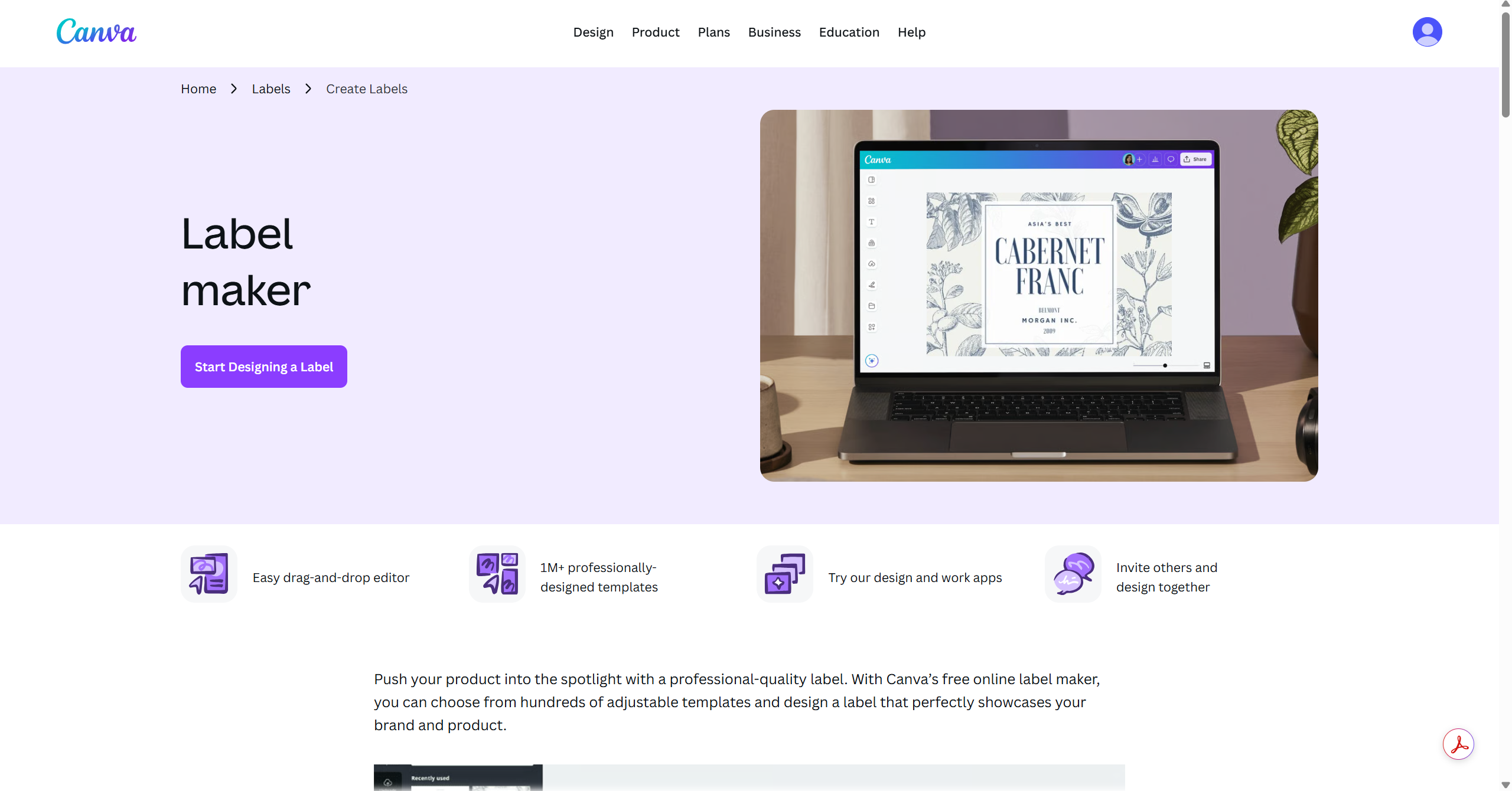
One of Canva’s most useful features for packaging is its label maker. Small businesses can use it to create labels for products such as candles, jars, bottles, boxes, pouches, and handmade goods.
You can start with a template or create a custom label size from scratch. This is helpful because packaging labels often need specific dimensions depending on the container or product.
Canva labels can be used for:
- Candle jars
- Soap packaging
- Cosmetic bottles
- Coffee bags
- Bakery boxes
- Homemade food jars
- Gift packaging
- Address labels
- Price tags
- Product stickers
The main advantage is speed. Instead of building a label layout manually, Canva gives you ready-made layouts that can be customized with your brand colors, logo, product name, ingredients, scent notes, or care instructions.
After designing your artwork in Canva, explore the best Cricut Maker 3 accessories for cutting labels, stickers, and packaging materials.
How to Design Product Labels in Canva
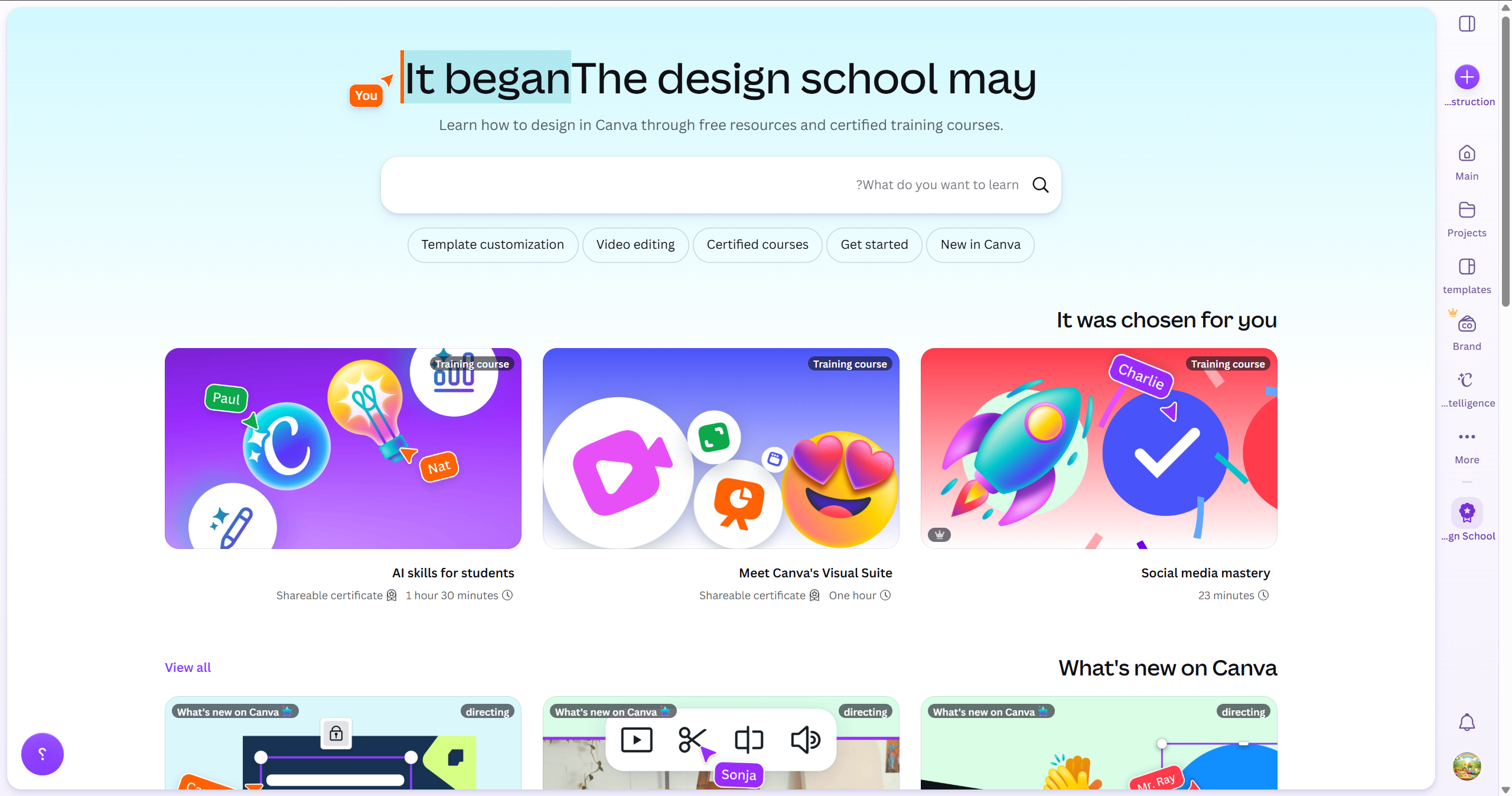
To create a product label in Canva:
- Choose a label template or create a custom size.
- Upload your logo and brand assets.
- Add the product name clearly.
- Include important product details.
- Use readable fonts.
- Keep enough white space.
- Add brand colors.
- Add icons or small illustrations if needed.
- Download the file as PDF Print for printing.
- Print through Canva Print or another printing service.
For packaging, readability is critical. A beautiful label is not useful if the product name, scent, flavor, or key information is hard to read.
Canva for Candle Labels
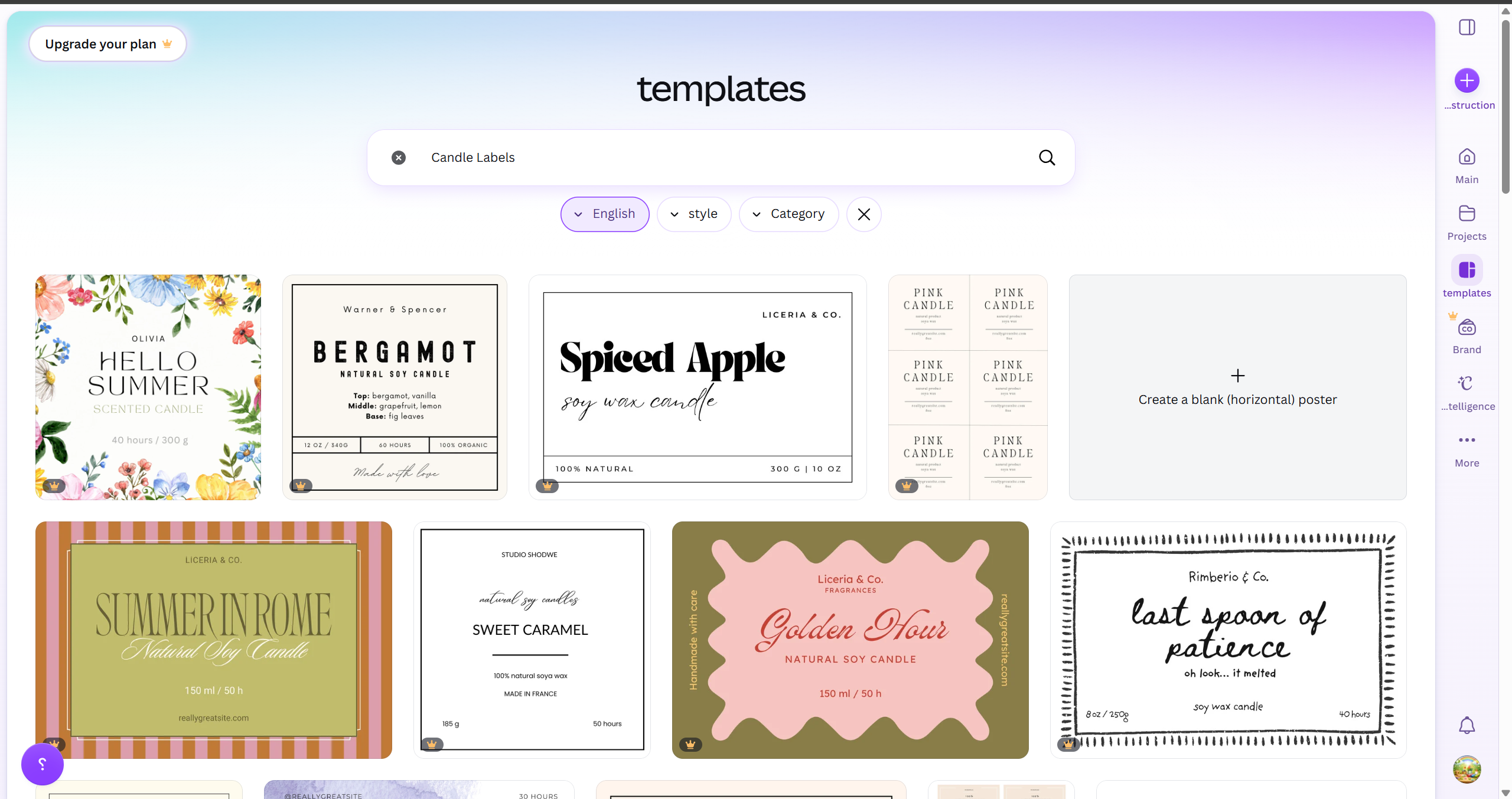
Canva is especially useful for candle businesses because candle packaging often needs multiple small branded items.
A candle brand can create:
- Main candle label
- Scent label
- Warning label
- Dust cover sticker
- Thank-you card
- Candle care card
- QR code insert
- Seasonal packaging sticker
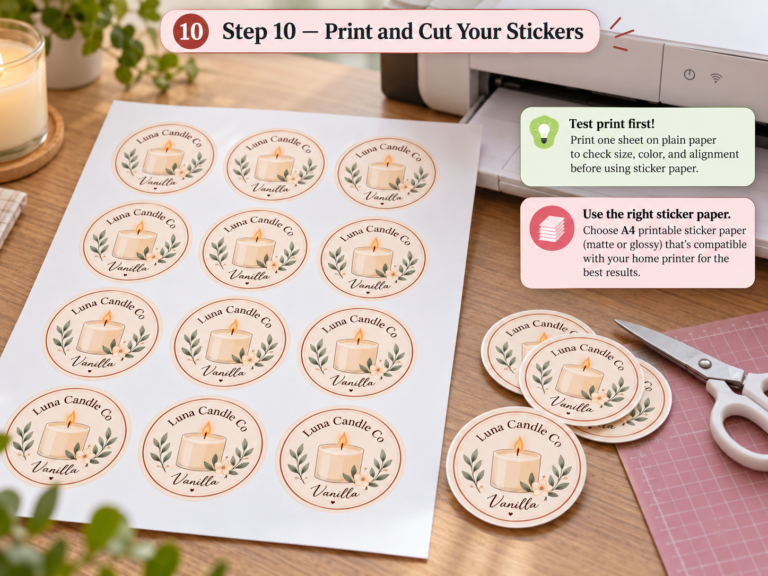
For candle labels, use clean typography, enough contrast, and a consistent color palette. Avoid overcrowding the label with too much text. The front label should focus on the product name, scent, brand name, and visual mood. When the design is finished, use this guide to print candle labels at home without changing their size or alignment.
Canva for Packaging Inserts
Packaging inserts are small printed cards placed inside an order. They help improve the unboxing experience and can encourage repeat purchases.
You can design the following inserts in Canva:
- Thank-you cards
- Discount code cards
- Product care cards
- QR code cards
- Review request cards
- Social media follow cards
- Return instruction cards
- Brand story cards
For small businesses, inserts are powerful because they make the package feel more intentional. Even simple packaging can feel premium when the customer receives a thoughtful card inside.
Canva for Thank-You Cards
Thank-you cards are one of the easiest packaging items to create in Canva.
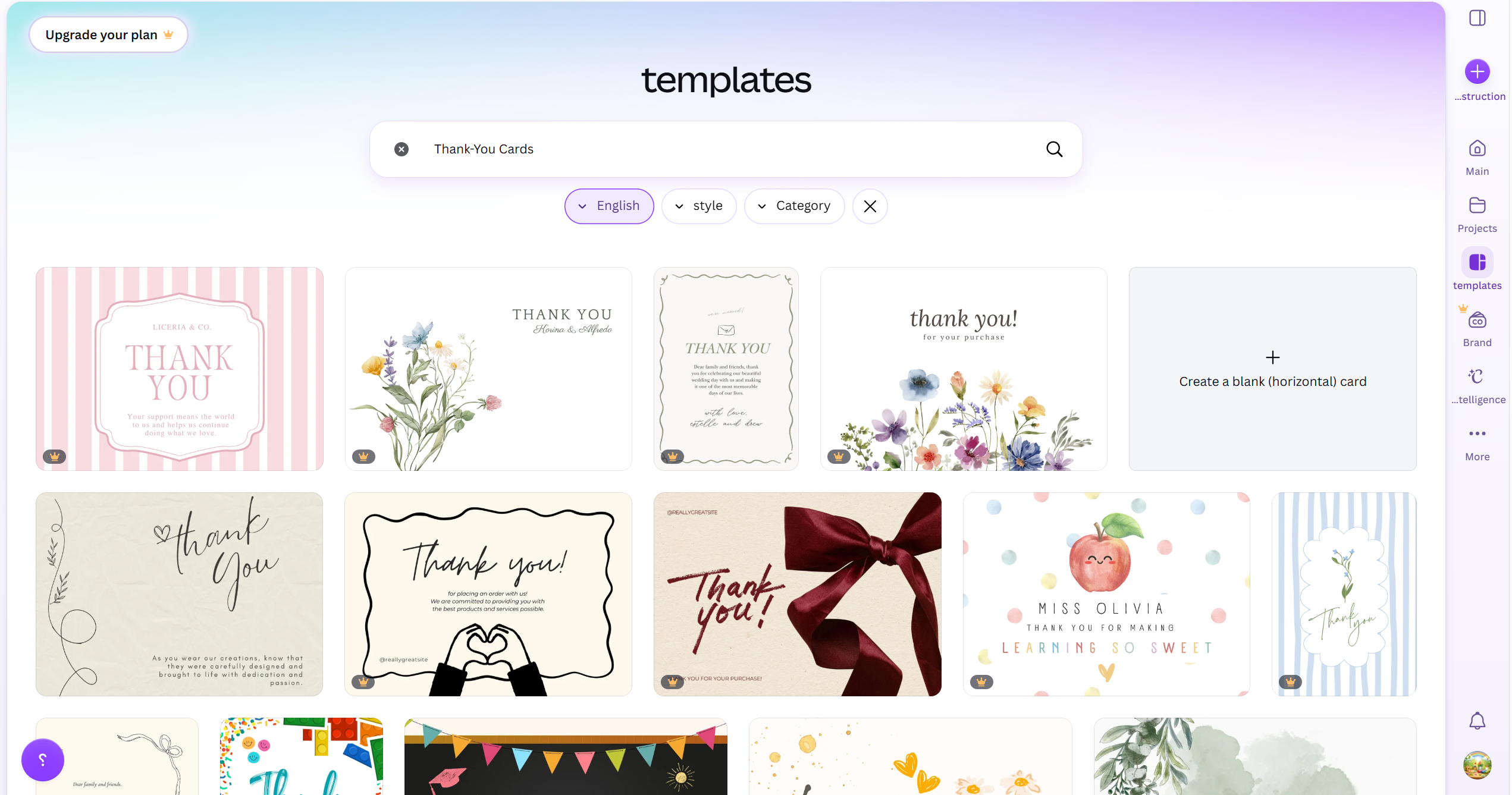
A strong thank-you card should include:
- A short thank-you message
- Your brand name
- Your website or shop link
- A QR code
- Social media handle
- Optional discount code
- Optional care instructions
Keep the design clean and aligned with your brand style. If your product is minimal, keep the thank-you card minimal. If your brand is playful, use softer colors, illustrations, or friendly typography.
Canva for Stickers and Logo Seals
Canva can also be used to create branded stickers and logo seals. These are useful for sealing tissue paper, decorating mailer boxes, or adding a branded touch to plain packaging.
Sticker ideas include:
- Logo stickers
- Thank-you stickers
- Handmade stickers
- Fragile stickers
- Scent name stickers
- Product category stickers
- Seasonal stickers
- Packaging seal stickers
For stickers, keep the design simple. Small stickers do not need too much detail. A logo, short phrase, or icon is usually enough.
Packaging Design Inspiration for Small Businesses (Real Sources Designers Use)
Canva Print: Design and Print in One Place
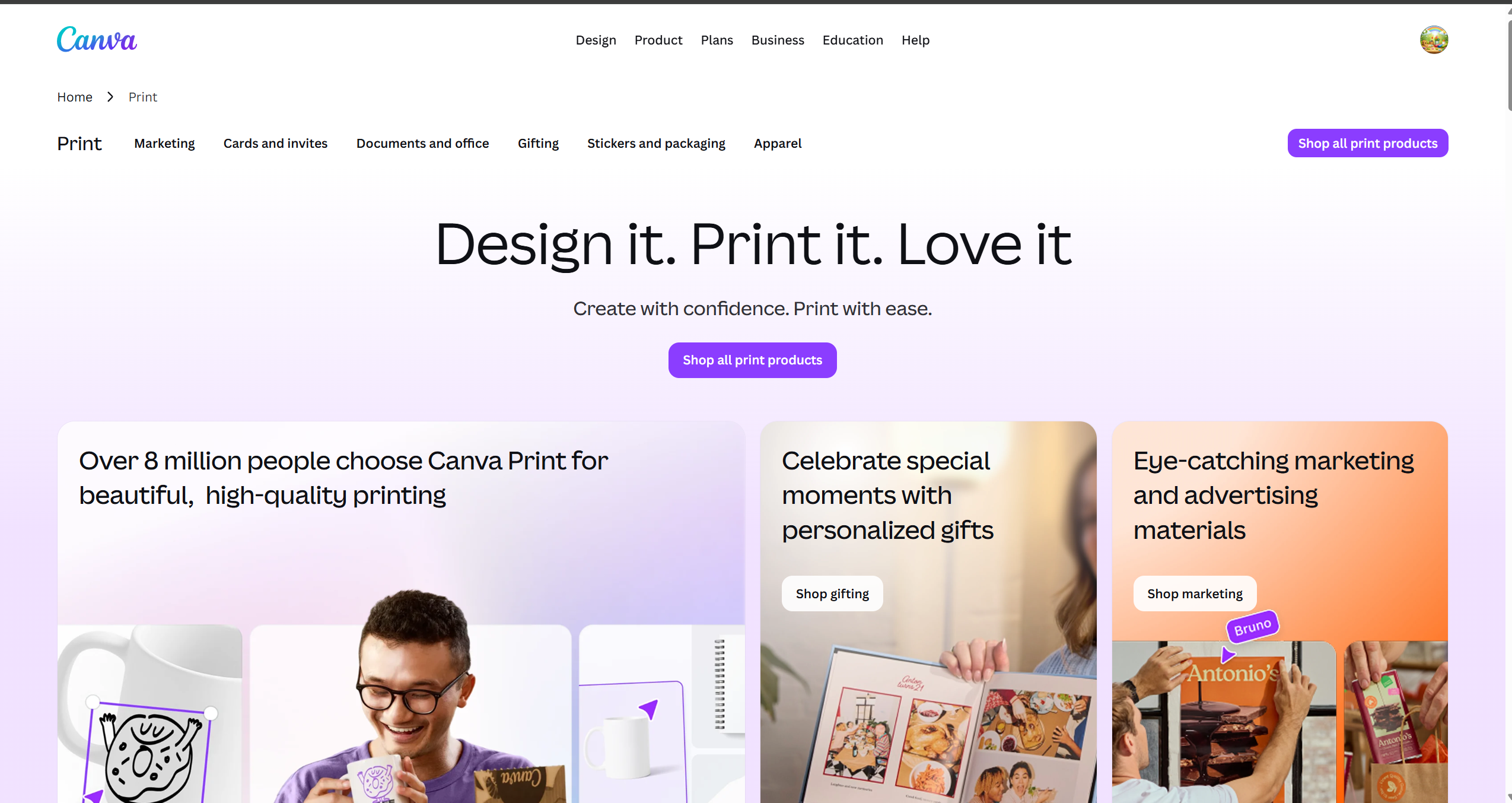
One useful advantage of Canva is Canva Print. After creating a design, users can order printed products directly through Canva, depending on product availability and location.
Canva Print can be useful for:
- Business cards
- Flyers
- Stickers
- Labels
- Marketing materials
- Posters
- Gift items
- Branded merchandise
For small businesses, this can simplify the workflow because you can design and print without moving between multiple platforms.
However, before ordering larger quantities, it is better to order a small test print first. Printed colors, paper feel, and label finish can look different from the screen preview.
Brand Kit: Keeping Packaging Consistent
Canva Pro includes Brand Kit features that help businesses keep their packaging consistent.
With Brand Kit, you can save:
- Brand colors
- Logos
- Fonts
- Graphics
- Images
- Brand templates
- Brand guidelines
This is valuable for packaging because every product touchpoint should look connected. Your label, thank-you card, sticker, and insert should not feel like they came from different brands.
For example, if your brand uses soft beige, dark brown, and a serif logo font, you can save those in Brand Kit and reuse them across all packaging designs.
Packaging Tools for Small Business Every Brand Needs in 2026
Canva Templates for Faster Packaging Design
Templates are one of Canva’s biggest strengths. Small businesses can use templates to create professional-looking designs quickly.
Useful Canva template categories for packaging include:
- Labels
- Stickers
- Business cards
- Thank-you cards
- Flyers
- Postcards
- Gift certificates
- Product cards
- Social media posts
- Promotional graphics
Templates are a good starting point, but they should not be used without customization. To avoid looking generic, change the colors, fonts, images, spacing, and layout to match your brand.
Canva Background Remover for Product Photos
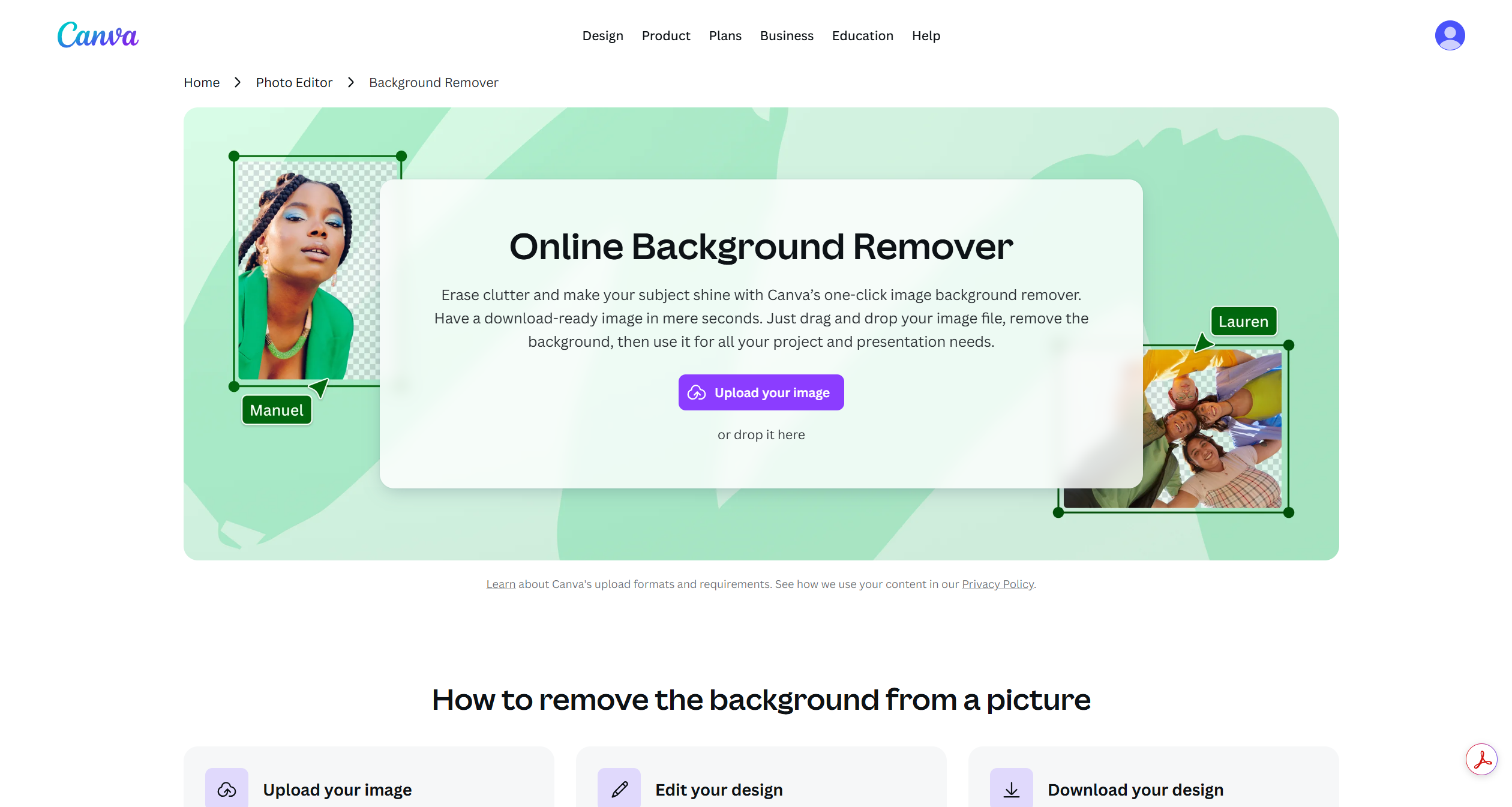
Canva’s Background Remover is useful for small businesses that need clean product images for packaging, inserts, websites, or promotional materials.
You can use it to:
- Remove backgrounds from product photos
- Create clean product graphics
- Add product images to inserts
- Make sticker-style visuals
- Create product comparison graphics
- Prepare images for social media or website banners
This is especially useful for product-based businesses that photograph candles, jars, handmade goods, skincare items, or stationery.
Canva QR Codes for Packaging
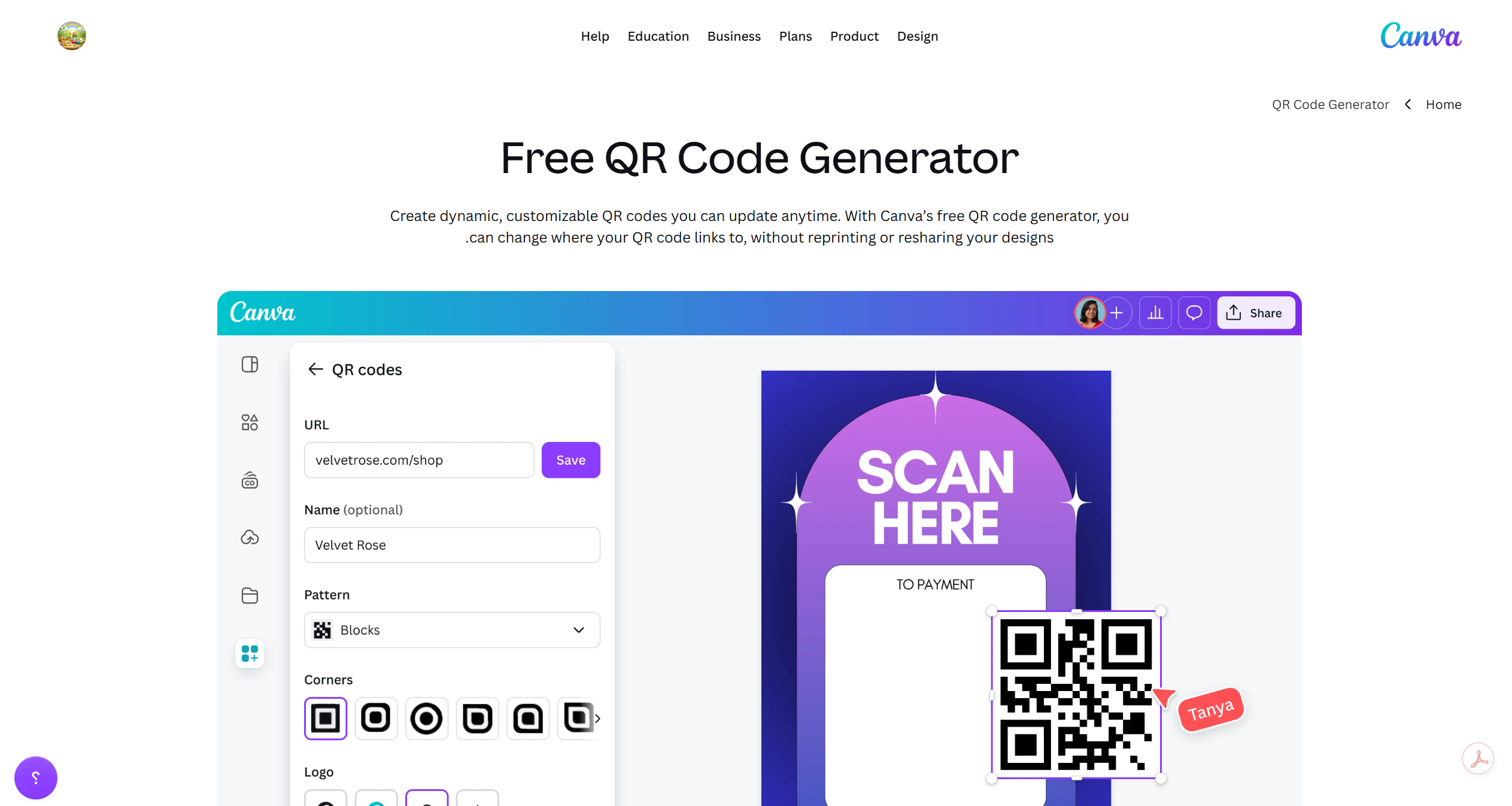
QR codes are useful in modern packaging because they connect physical products to digital content.
Small businesses can add QR codes to:
- Thank-you cards
- Product care cards
- Labels
- Packaging inserts
- Instruction cards
- Review request cards
- Loyalty offer cards
QR codes can link customers to:
- Your website
- Product care instructions
- Review page
- Email signup form
- Instagram account
- YouTube tutorial
- Digital product guide
- Reorder page
Canva also offers QR code tools and AI QR code features, making it easier to create QR codes that fit the visual style of your brand.
Canva Apps Marketplace
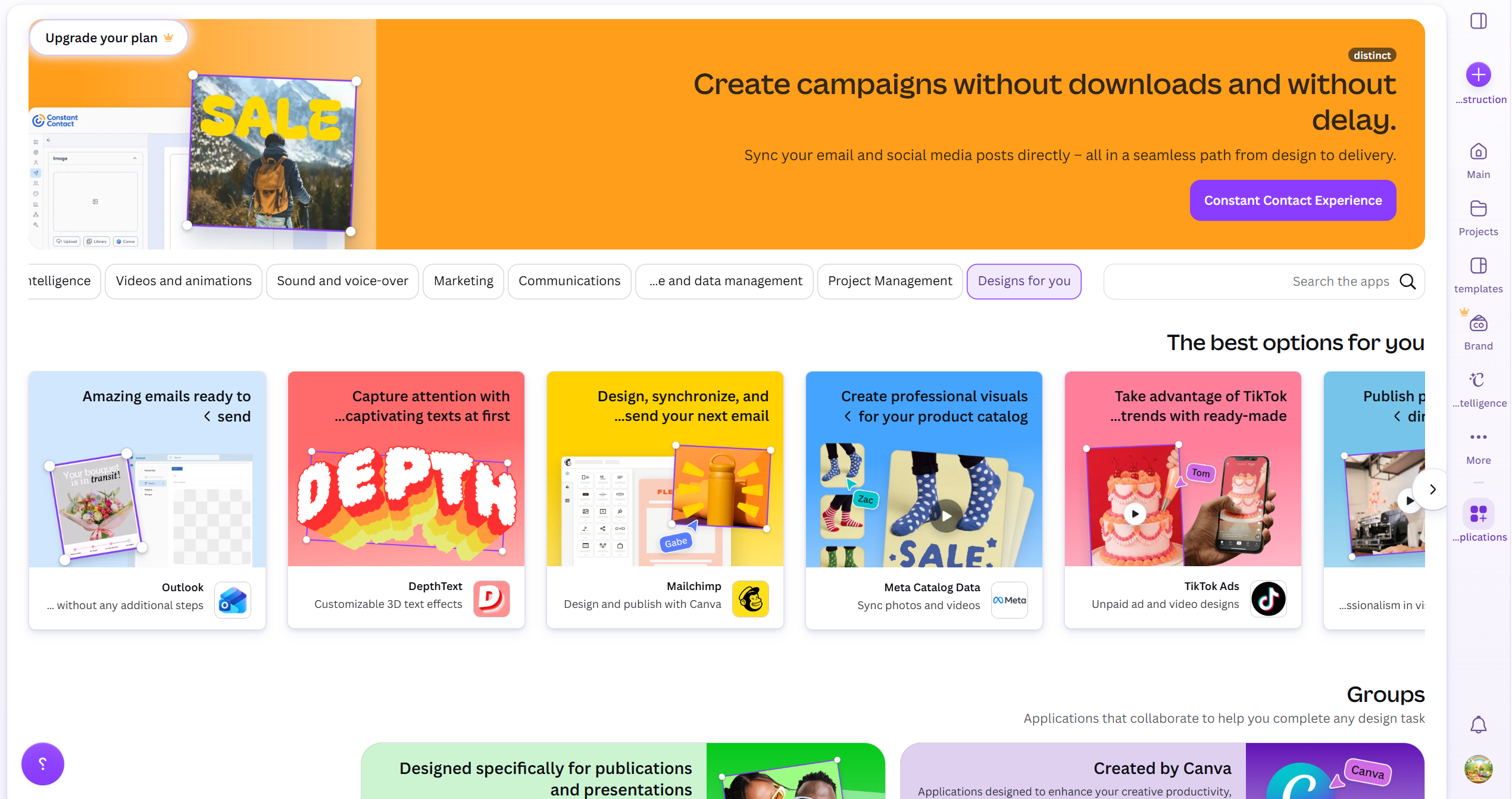
Canva includes an Apps Marketplace with tools that can expand your design workflow.
For packaging design, useful app categories include:
- QR code tools
- Google Drive import
- Brand asset tools
- Photo editing tools
- AI generation tools
- Text styling tools
- Mockup tools
- Marketing tools
This is useful because packaging design often requires more than a static label. You may need product images, QR codes, mockups, icons, maps, brand logos, or marketing assets.
Canva Magic Studio and AI Tools
Canva’s Magic Studio brings AI-powered tools into the design workflow. For packaging, AI tools can help with early creative direction, content ideas, product visuals, and design variations.
Small businesses can use AI tools for:
- Brainstorming packaging concepts
- Creating design variations
- Generating visual ideas
- Editing images
- Resizing designs
- Removing backgrounds
- Creating first drafts
- Adapting one design into multiple formats
AI should not replace brand strategy, but it can speed up the creative process. It is especially useful when you need ideas for seasonal packaging, launch graphics, insert cards, or promotional designs.
Canva for Mockups and Product Presentation
Mockups help customers visualize how a design will look in real life. Canva can be used to create simple product presentations and mockup-style images.
You can use mockups for:
- Product listing images
- Blog post visuals
- Pinterest pins
- Social media posts
- Packaging concept presentations
- Product launch graphics
For packaging businesses, mockups are useful because they make the design feel more tangible. A flat label is helpful, but a label shown on a jar, box, or product photo is more persuasive.
Canva for Social Media Packaging Promotion
Canva is not only for packaging files. It also helps promote your packaging and products.
After designing your packaging, you can create:
- Pinterest pins
- Instagram posts
- Product launch graphics
- Before-and-after packaging posts
- New collection announcements
- Promotional banners
- Website graphics
- Email graphics
This is important because packaging design should support both the physical product and the digital marketing around it.
Canva Design School: Learning Canva from Canva
Canva also provides learning resources through Canva Design School. This is useful for beginners who want to improve their design skills before creating packaging materials.
Business owners can use Canva learning resources to understand:
- Design basics
- Template customization
- Brand consistency
- Visual communication
- Social media design
- Canva tools
- AI design features
- Print design workflows
Some Canva training resources also include structured courses and certificates. These can be helpful for freelancers, virtual assistants, marketers, and small business owners who want to build practical Canva skills.
Canva Free vs Canva Pro for Packaging Design
Canva Free can be enough for beginners who only need simple designs.
Canva Free is good for:
- Basic labels
- Simple cards
- Basic templates
- Social media graphics
- Beginner packaging experiments
Canva Pro is better for businesses that design often.
Canva Pro is useful for:
- Brand Kit
- Premium templates
- Background Remover
- Transparent PNG downloads
- Magic Resize
- More stock photos and elements
- More organized brand assets
- Faster content creation
For a small business creating packaging regularly, Canva Pro is usually more practical because brand consistency and faster workflow matter.
Pricing may vary by country, currency, promotions, and billing cycle. Check Canva’s official pricing page for the latest rates.
| Plan | Best For | Pricing* |
|---|---|---|
| Canva Free | Beginners | Free |
| Canva Pro | Small Business Owners | Starting at $15/month |
| Canva Teams | Growing Teams | Starting at $10/user/month |
| Canva Enterprise | Large Organizations | Custom Pricing |
*Prices may change over time and vary by region.
Canva for Print-Ready Files
When preparing packaging materials for print, Canva can export designs in different formats. For most printed packaging assets, PDF Print is usually the best option.
Good print practices include:
- Use the correct document size.
- Keep important text away from the edge.
- Use high-resolution images.
- Add bleed when needed.
- Export as PDF Print.
- Flatten the PDF when sending final files.
- Order a test print before printing in bulk.
- Avoid very tiny text on labels.
- Avoid low-contrast color combinations.
- Check spelling and product information carefully.
Canva can work well for simple print projects, but professional packaging production still requires careful checking.
Important Canva Limitations for Packaging
Canva is powerful, but it is not perfect for every packaging project.
The main limitations are:
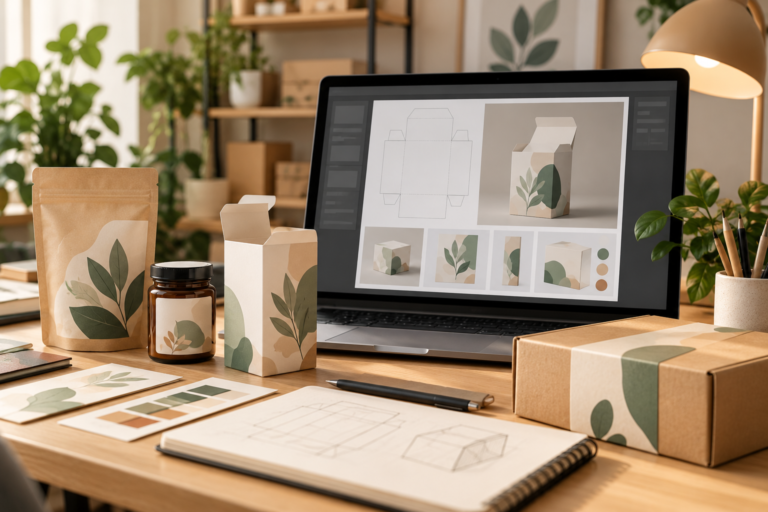
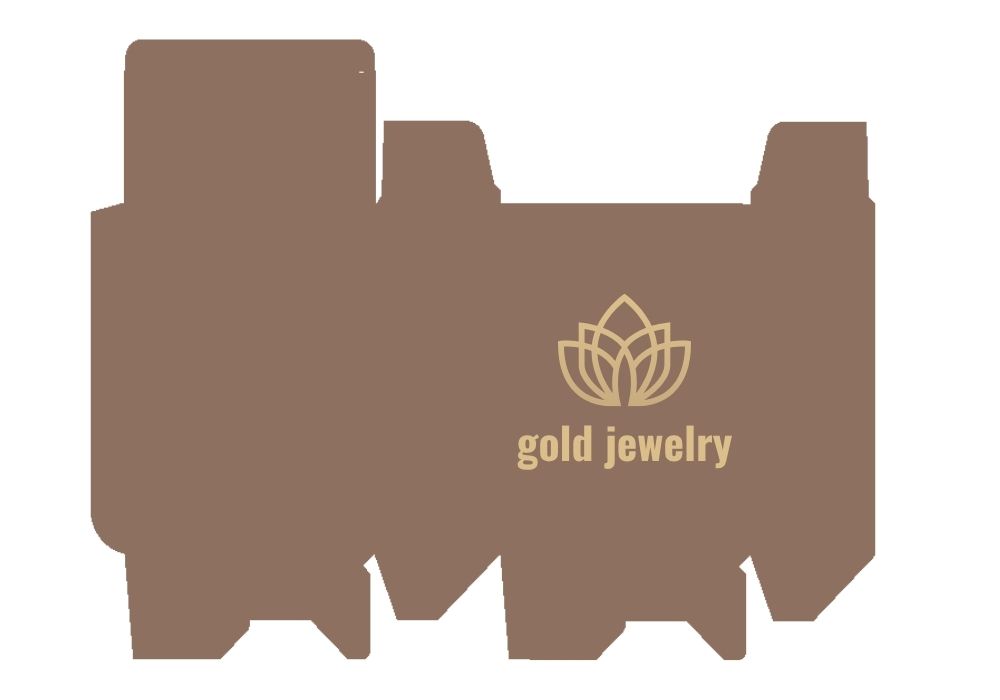
- It is not ideal for complex dieline creation.
- It does not replace Adobe Illustrator for advanced packaging production.
- It is not the best tool for structural box engineering.
- Advanced prepress control is limited.
- Color accuracy may vary when printed.
- Custom packaging shapes may require professional software.
- Some features require Canva Pro.
If you are designing simple labels, cards, stickers, and inserts, Canva is excellent. If you are creating custom folding cartons, structural packaging, advanced dielines, or precise commercial print files, Adobe Illustrator or packaging-specific tools may be better.
Canva vs Adobe Illustrator for Packaging
Canva is easier for beginners. Adobe Illustrator is more advanced for professional packaging design.
Canva is best for:
- Beginners
- Small business owners
- Quick packaging graphics
- Product labels
- Stickers
- Thank-you cards
- Inserts
- Social media graphics
Adobe Illustrator is best for:
- Professional dielines
- Vector artwork
- Advanced print files
- Custom packaging structures
- Precise typography
- Commercial packaging production
For many small businesses, Canva is enough at the beginning. As the business grows, Illustrator may become necessary for more technical packaging work.
Adobe Illustrator for Packaging Design: The Complete Guide for Small Businesses in 2026
Canva vs Pacdora for Packaging
Canva is stronger for graphic design and branded marketing assets. Pacdora is stronger for packaging structure, dielines, and 3D packaging mockups.
Canva is better for:
- Labels
- Cards
- Inserts
- Stickers
- Brand assets
- Marketing graphics
Pacdora is better for:
- Box dielines
- 3D packaging previews
- Structural packaging
- Packaging mockups
- Folding carton concepts
A strong workflow could use both: Pacdora for the packaging structure and Canva for inserts, labels, stickers, and marketing visuals. For a deeper look at Pacdora’s dielines, 3D mockups, pricing, and limitations, read our Pacdora Review 2026.
3 Best Packaging Software for Small Business in 2026: Pacdora vs Adobe Illustrator vs Canva
Best Packaging Projects to Create in Canva
Here are some beginner-friendly Canva packaging projects:
- Product label
- Candle label
- Thank-you card
- Product care card
- QR code insert
- Logo sticker
- Shipping sticker
- Discount code card
- Brand story card
- Product launch flyer
- Packaging mockup graphic
- Pinterest pin for the product
- Instagram product announcement
- Email header for product launch
These projects help small businesses create a complete brand experience without using multiple complex tools.
10 Home Printing Ideas to Turn Your Digital Designs Into Real Products
Canva Packaging Workflow for Small Businesses
A simple Canva packaging workflow can look like this:
- Create a Brand Kit.
- Choose brand colors and fonts.
- Design the product label.
- Create a matching thank-you card.
- Add a QR code card.
- Design a product care card.
- Create a logo sticker.
- Export files as PDF Print.
- Order test prints.
- Adjust colors, spacing, and text.
- Print final materials.
- Create social media graphics using the same style.
This workflow helps packaging look consistent from the product itself to the customer’s unboxing experience.
Print Design Trends & Inspiration: What Actually Works in 2026
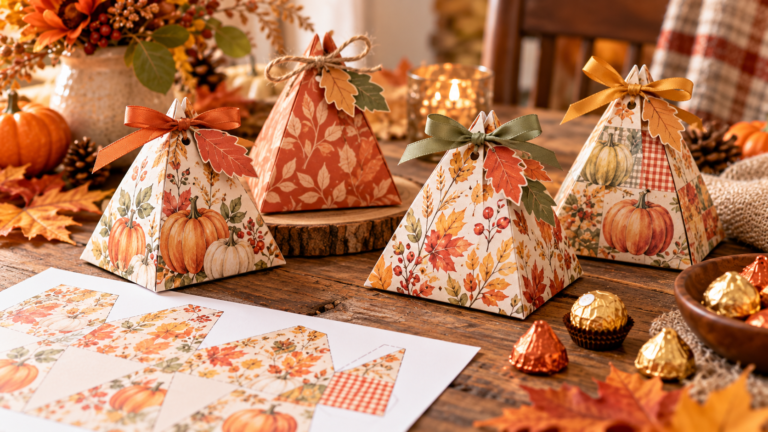
For ready-to-print seasonal packaging, Our Thanksgiving printable gift box templates include three fall designs on A4 sheets for home printing. These are ready-to-print files rather than editable Canva templates. For a second home-printable box style, browse our Thanksgiving printable treat box (3 autumn designs, A4).
Printing your Canva labels at home? Follow our step-by-step guide to printing product labels at home for illustrated instructions and free Letter and A4 practice sheets. Pair a compatible material from our printable sticker paper guide witha machine from our sticker printer comparison for small businesses. Check the exported design dimensions and print an alignment test before using a full sheet.
Who Should Use Canva for Packaging Design?
Canva is a strong choice for:
- Candle businesses
- Soap brands
- Handmade sellers
- Etsy sellers
- Skincare brands
- Bakery businesses
- Coffee brands
- Jewelry brands
- Digital product sellers
- Small eCommerce stores
- Beginners learning packaging design
It is especially useful for business owners who want professional-looking packaging without hiring a designer for every small update.
Who Should Not Rely Only on Canva?
Canva may not be enough if you need:
- Complex dielines
- Advanced CMYK control
- Custom box engineering
- Professional vector editing
- Large-scale packaging production
- Precise commercial print specifications
- Packaging files requested by a manufacturer
In these cases, Canva can still be used for supporting materials, but the main packaging file may need to be created in Illustrator or a packaging-specific tool.
Final Verdict: Is Canva Good for Packaging Design?
Yes, Canva is a strong packaging design tool for small businesses, especially for labels, stickers, inserts, thank-you cards, QR code cards, and branded marketing materials.
Its biggest strengths are ease of use, templates, Brand Kit, Canva Print, AI tools, background removal, QR code features, and learning resources. These features make it practical for beginners who want to build a professional packaging system without a steep learning curve.
However, Canva is not a full replacement for professional packaging software. It is best for graphic packaging assets, not complex dielines or advanced print production.
For most small businesses starting out, Canva is one of the easiest and most affordable ways to create packaging that looks polished, consistent, and ready for customers.
Looking for recommended packaging tools, printers, supplies, and software? Visit our Small Business Packaging Tools page.