

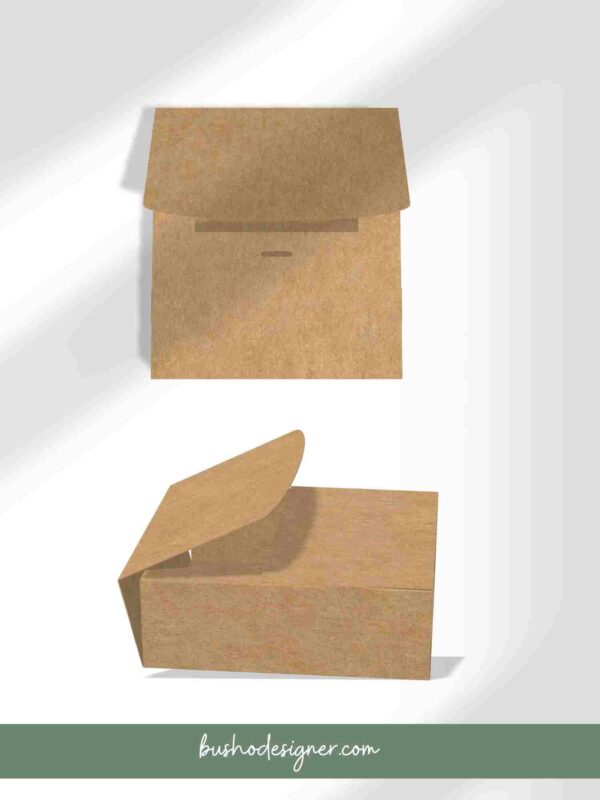
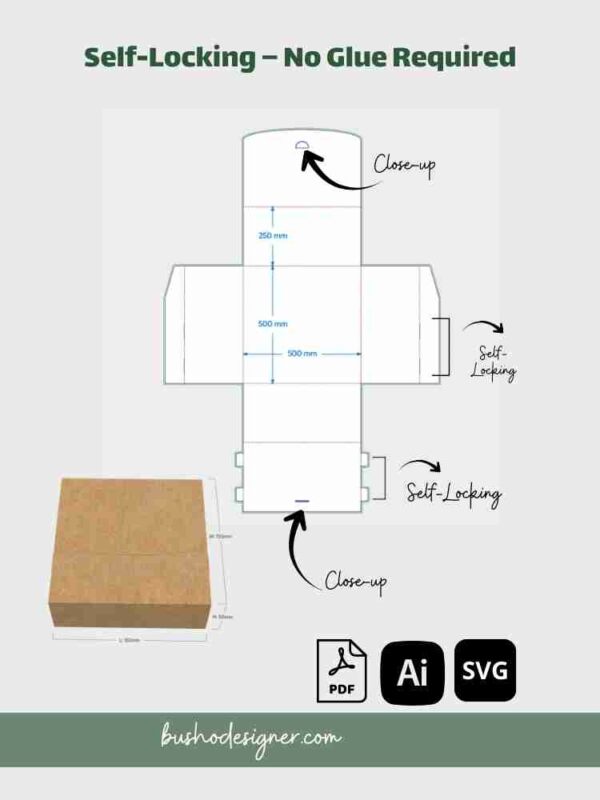

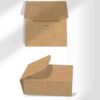
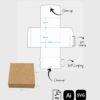
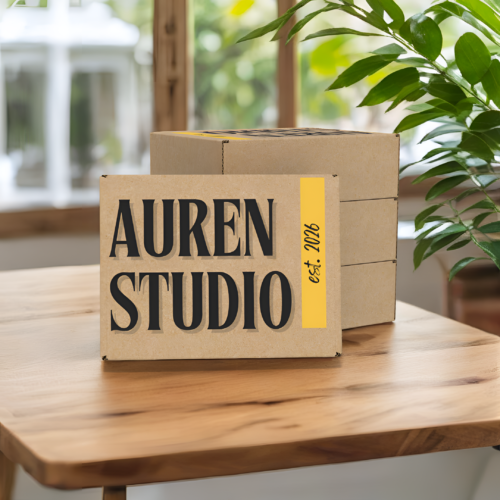
This self-locking mailer box template creates a finished box measuring 150 × 150 × 50 mm (5.91 × 5.91 × 1.97 in). Customize the dieline with your brand artwork, then cut, score, fold, and lock the structure without adding glue to the box assembly.
What’s Included
- Editable Adobe Illustrator (AI) file
- Print-ready PDF file
- DXF cutting file
- Cut, fold/crease, safe-area, and bleed guides
- Digital instruction file where included in the download
Finished Box Size
150 × 150 × 50 mm (5.91 × 5.91 × 1.97 in)
Dimensions refer to the assembled interior box and are listed as length × width × height. Compare the measurements with your product and allow for inserts, tissue, padding, and material thickness.
Possible Uses
- Small accessories and handmade products
- Jewelry or gift sets with suitable inserts
- Small retail presentation boxes
Suggested uses are examples only and do not guarantee fit. Build a physical prototype with your intended product and material before ordering stock or producing in quantity.
Compare All Mailer Box Sizes
| Finished size | Inches | Choose |
|---|---|---|
| 150 × 150 × 50 mm | 5.91 × 5.91 × 1.97 in | Small |
| 200 × 150 × 60 mm | 7.87 × 5.91 × 2.36 in | Medium |
| 230 × 160 × 60 mm | 9.06 × 6.30 × 2.36 in | Large |
Get all three mailer box sizes and save $12.
How to Use the Mailer Box Template
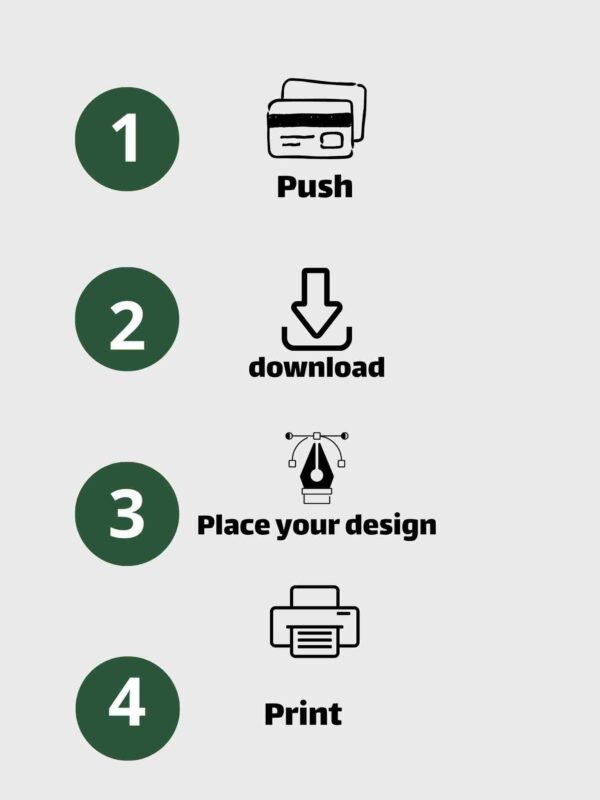
- Download and unzip the files.
- Add artwork in Adobe Illustrator or compatible vector software.
- Print or send the dieline to a suitable print provider at 100% / Actual Size.
- Cut and score the indicated lines.
- Fold and lock the box structure.
Software and Production Notes
- These files are not Canva templates.
- AI editing requires Adobe Illustrator or compatible vector software.
- DXF import, line interpretation, and scaling vary by cutting software and machine.
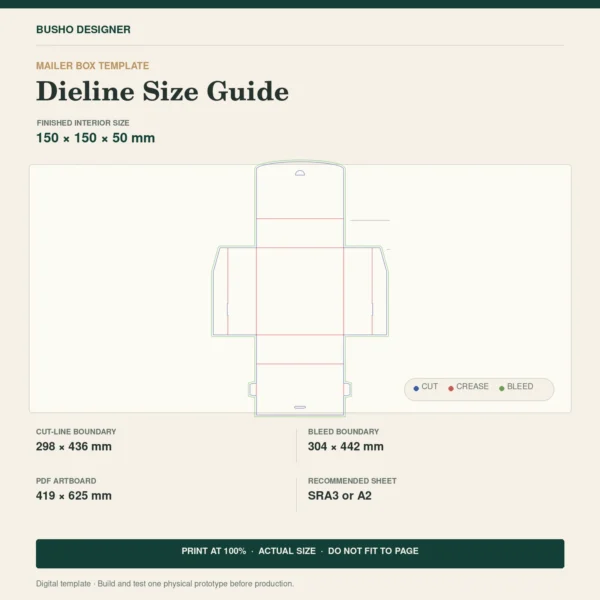
- The flat dieline does not fit A4 or A3 paper at 100% scale. Its bleed boundary is approximately 304 × 442 mm. Use a sheet large enough for the artwork and printer margins (such as a suitable SRA3 or A2 setup), or a commercial print provider. Do not shrink the template to fit a smaller sheet.
- Board thickness and grain direction affect folding and fit. Always test your chosen stock.
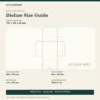
Flat Dieline and Print Sheet
- Cut-line boundary: approximately 298 × 436 mm (11.73 × 17.17 in)
- Bleed boundary: approximately 304 × 442 mm (11.97 × 17.40 in)
- Supplied PDF artboard: approximately 419 × 625 mm (16.50 × 24.61 in)
- Recommended sheet: SRA3 or A2 after placing/cropping the artwork. The dieline does not fit A3 at 100%.
Print at 100% / Actual Size. Do not use “Fit to Page.” Confirm printer margins and material limits before production.
Helpful Packaging Guides
- Adobe Illustrator for Packaging Design
- Best Packaging Software for Small Business
- Best Packaging Supplies for Small Business
Frequently Asked Questions
Can I edit this self-locking mailer box template in Canva?
No. Use compatible vector or cutting software for the supplied AI, PDF, and DXF files.
Does the box require glue?
The structural design locks through folds and tabs without glue. Your production method or added decorative elements may require separate adhesive.
Will it print on a home printer?
That depends on the flat dieline size, printer paper limit, and material thickness. Confirm these requirements before purchasing.
Digital Product and License
This listing is for digital files only; no physical box, product, printed sample, fonts, or artwork is included. You may customize the template and use the resulting physical packaging for your own brand. You may not resell, share, redistribute, sublicense, or give away the original or modified template files.
Important
Please review the formats, dimensions, and software requirements before purchasing. Digital-download returns, exchanges, and refunds are not offered where permitted by applicable law. Contact us if a purchased file is defective or inaccessible.

Reviews
There are no reviews yet.