
Packaging Tools for Small Business Every Brand Needs in 2026
Affiliate disclosure: This page may contain affiliate links. If you purchase through them, I may earn a small commission at no extra cost to you. As an Amazon Associate I earn from qualifying purchases.
How recommendations are presented: Tools described as part of Bushra’s workflow are used directly in design and packaging work. Other physical products are included as practical buying-guide options; choose them according to your materials, order volume, and workspace.
If you sell physical products, choosing the right packaging tools for small business operations can save time, reduce costs, and create a more professional customer experience. From designing packaging layouts and printing labels to preparing shipments and creating realistic mockups, the right tools can help your business grow more efficiently.
In this guide, I’ll share the packaging tools for small business owners that I believe provide the best balance between affordability, functionality, and long-term value. The list combines packaging software tools with practical printing, shipping, cutting, and production equipment.
Jump to: Design · Printing · Shipping · Cutting · Hardware · Templates
Why Packaging Tools for Small Business Matter
Many small business owners focus heavily on product development while overlooking their packaging workflow.
The reality is that packaging affects:
- Customer perception
- Shipping efficiency
- Production speed
- Branding consistency
- Overall operating costs
Investing in the right packaging tools for small business growth can help create a packaging system that is easier to scale as orders increase.
Related guides: Best Packaging Supplies for Small Business · Best Shipping Supplies · Best Thermal Printers · Best Label Makers · Best Packaging Software
Quick Comparison Table
| Tool | Category | Best For |
|---|---|---|
| Adobe Illustrator | Design | Professional packaging layouts |
| Pacdora | Mockups | 3D packaging visualization |
| Canva Pro | Design | Labels and inserts |
| Epson EcoTank ET-4800 | Printing | Product labels |
| Munbyn Thermal Printer | Shipping | Shipping labels |
| Acer Predator Helios | Hardware | Design workflow |
| Cricut Maker | Cutting | Custom packaging projects |
Best Packaging Design Tools for Small Business
Adobe Illustrator
Adobe Illustrator is a widely used professional tool for vector artwork, dielines, and print-ready packaging files.
It allows you to:
- Create dielines
- Build print-ready artwork
- Export professional PDF files
- Work in CMYK color mode
- Prepare files for commercial printing
As a packaging designer, Illustrator is the primary tool I use when creating packaging templates and production-ready files.
Pacdora
Pacdora is one of the most useful packaging tools for small business owners who want to create professional packaging presentations.
Key benefits include:
- Ready-made dielines
- 3D packaging previews
- Product mockups
- Fast design visualization
Pacdora helps bridge the gap between a flat design and the final physical package.
Canva Pro
Not every packaging task requires advanced design software.
Canva Pro works well for:
- Thank-you cards
- Product inserts
- Packaging stickers
- Simple labels
- Marketing materials
For beginners, Canva can be one of the easiest packaging tools for small business branding. See the Canva for Packaging Design guide for labels, inserts, templates, Canva Print, pricing, pros, and limitations.
Related guide: 10 Home Printing Ideas for Digital Designs
Packaging Printing Tools for Small Business
Epson EcoTank ET-4800
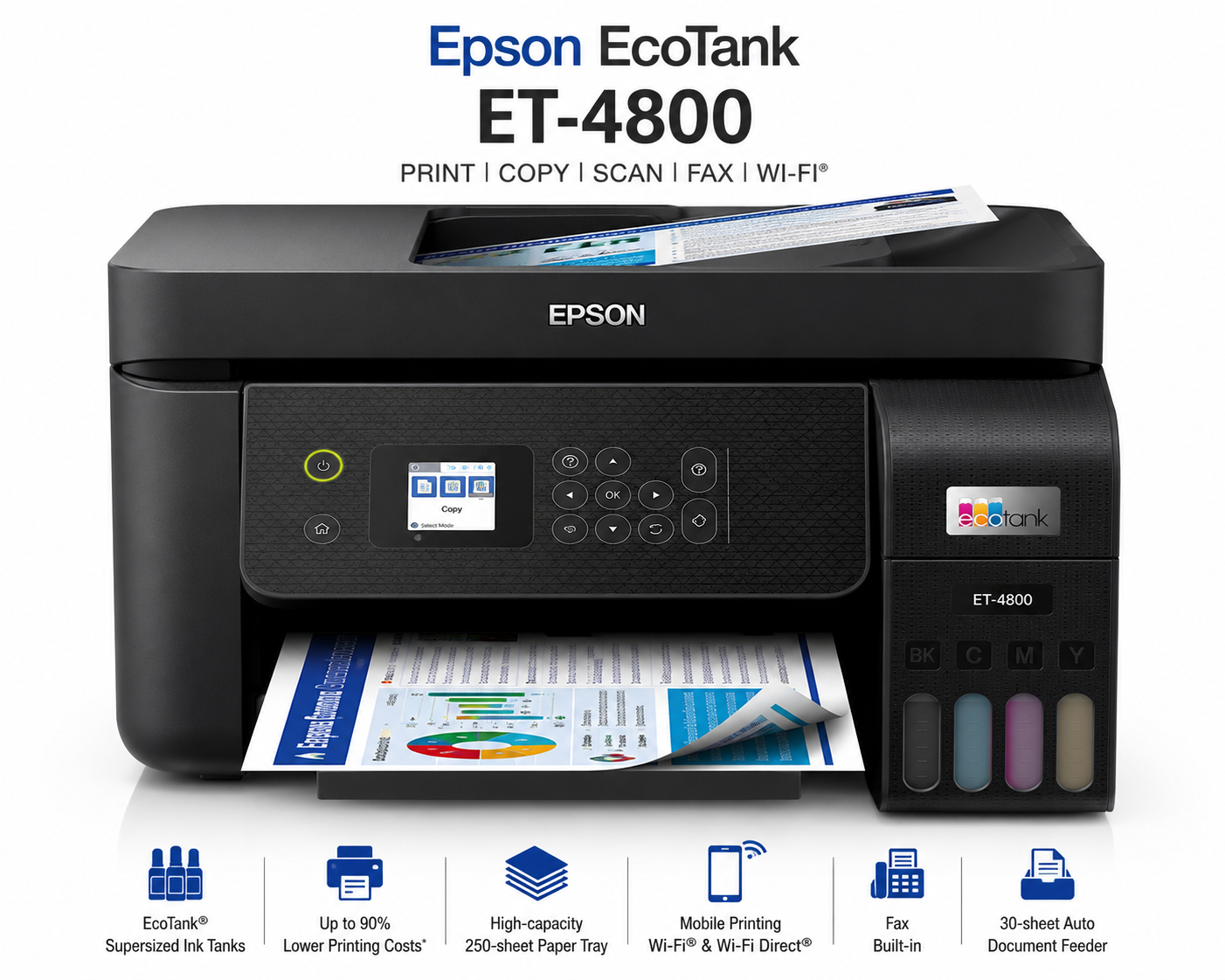
Printing labels in-house can reduce long-term packaging costs.
Benefits include:
- Refillable ink tanks
- Refillable tanks designed to reduce cartridge use
- Color printing for labels, inserts, and packaging cards
- Office features including scanning and document handling
This printer is particularly useful for product labels, inserts, and packaging cards.
Epson EcoTank ET-15000
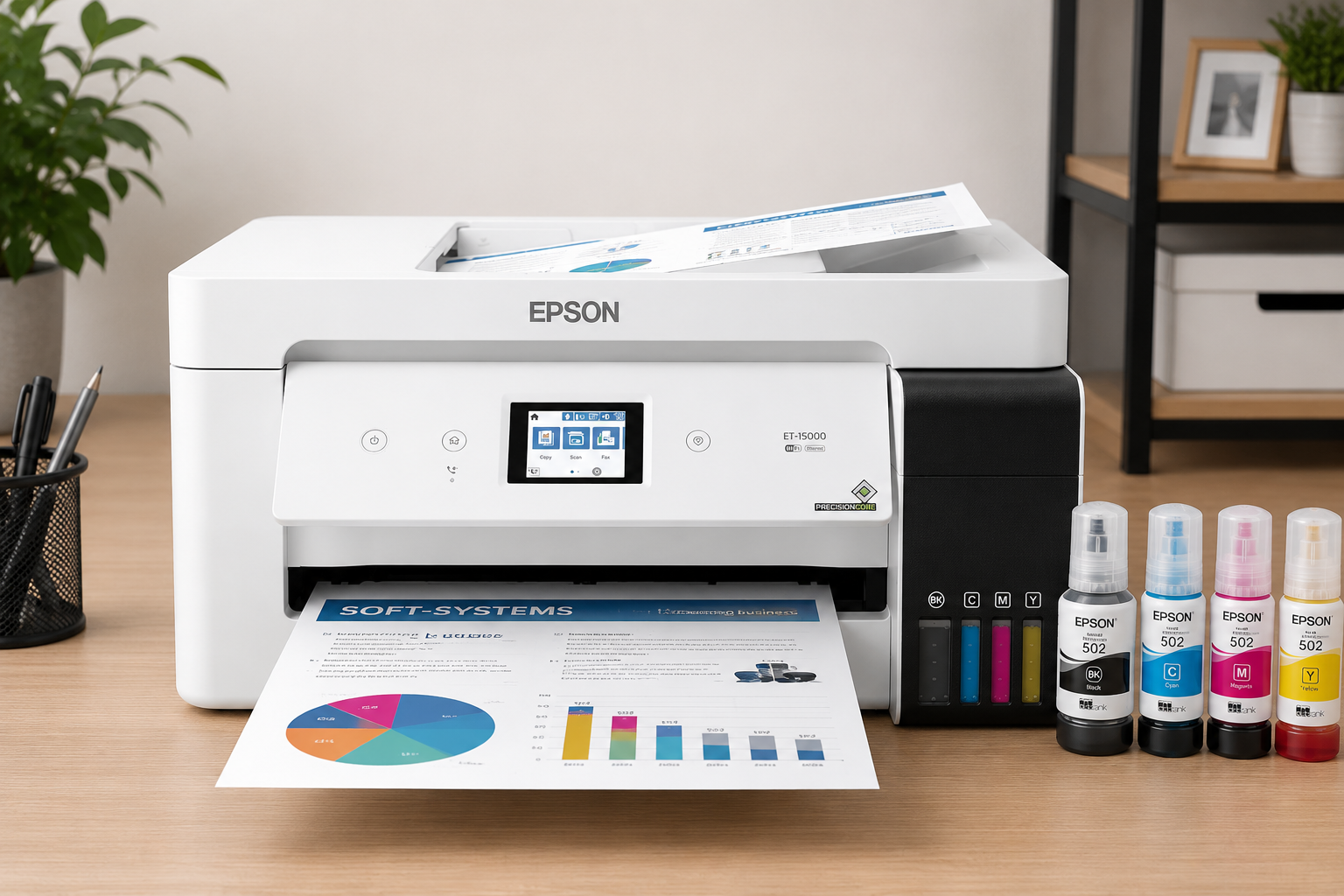
Businesses producing larger packaging materials may benefit from the wide-format capabilities of the ET-15000.
It supports:
- Larger print sizes
- Packaging sleeves
- Promotional materials
- Custom packaging inserts
Related guide: Best Printer for Candle Labels
Packaging Shipping Tools for Small Business
Munbyn Thermal Printer
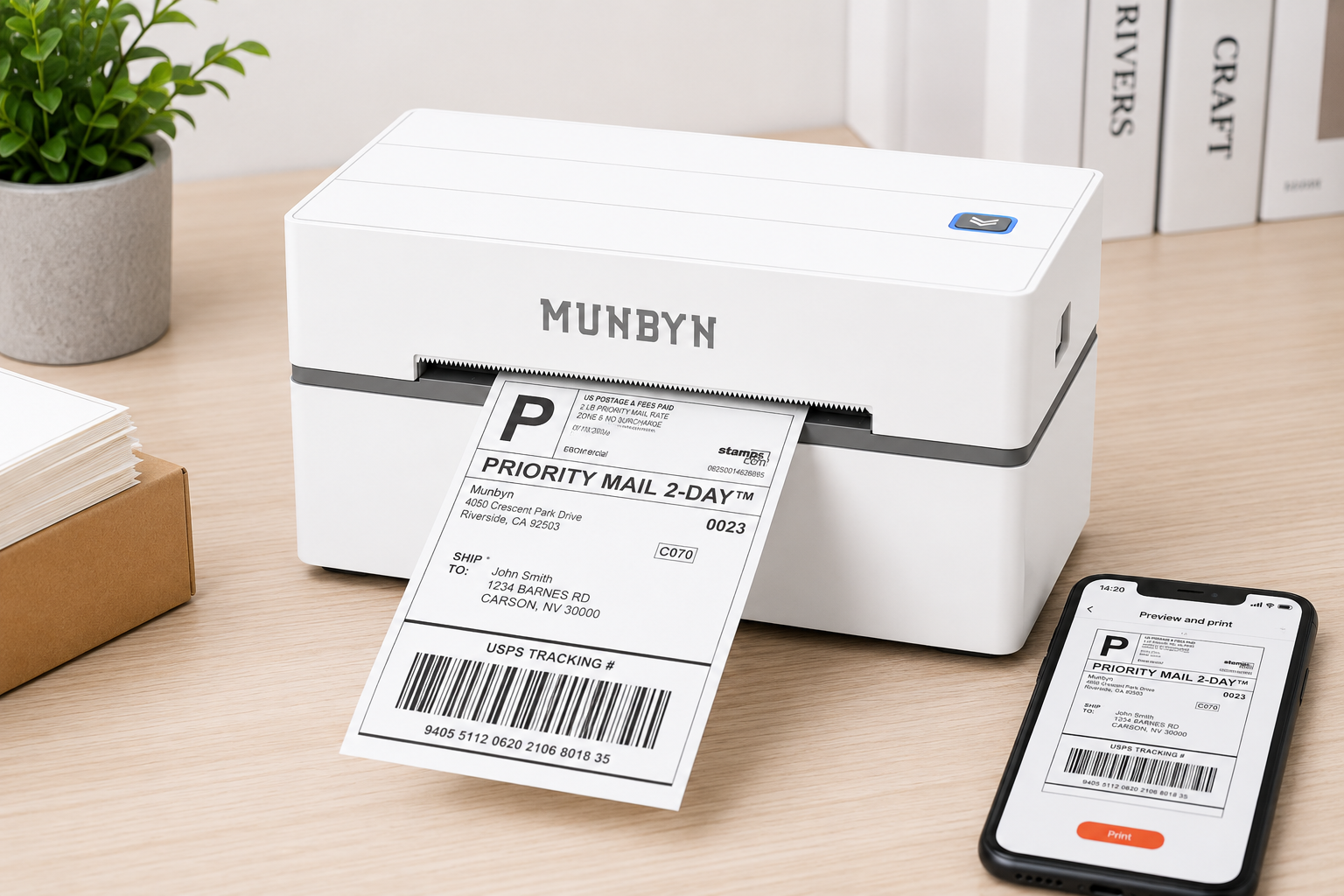
Shipping labels are an essential part of order fulfillment.
The Munbyn Thermal Printer provides:
- Ink-free printing
- Fast operation
- No ink or toner required for compatible thermal labels
- Professional shipping labels
For online stores, this is one of the most practical packaging tools for small business logistics.
Heavy-Duty Tape Dispenser
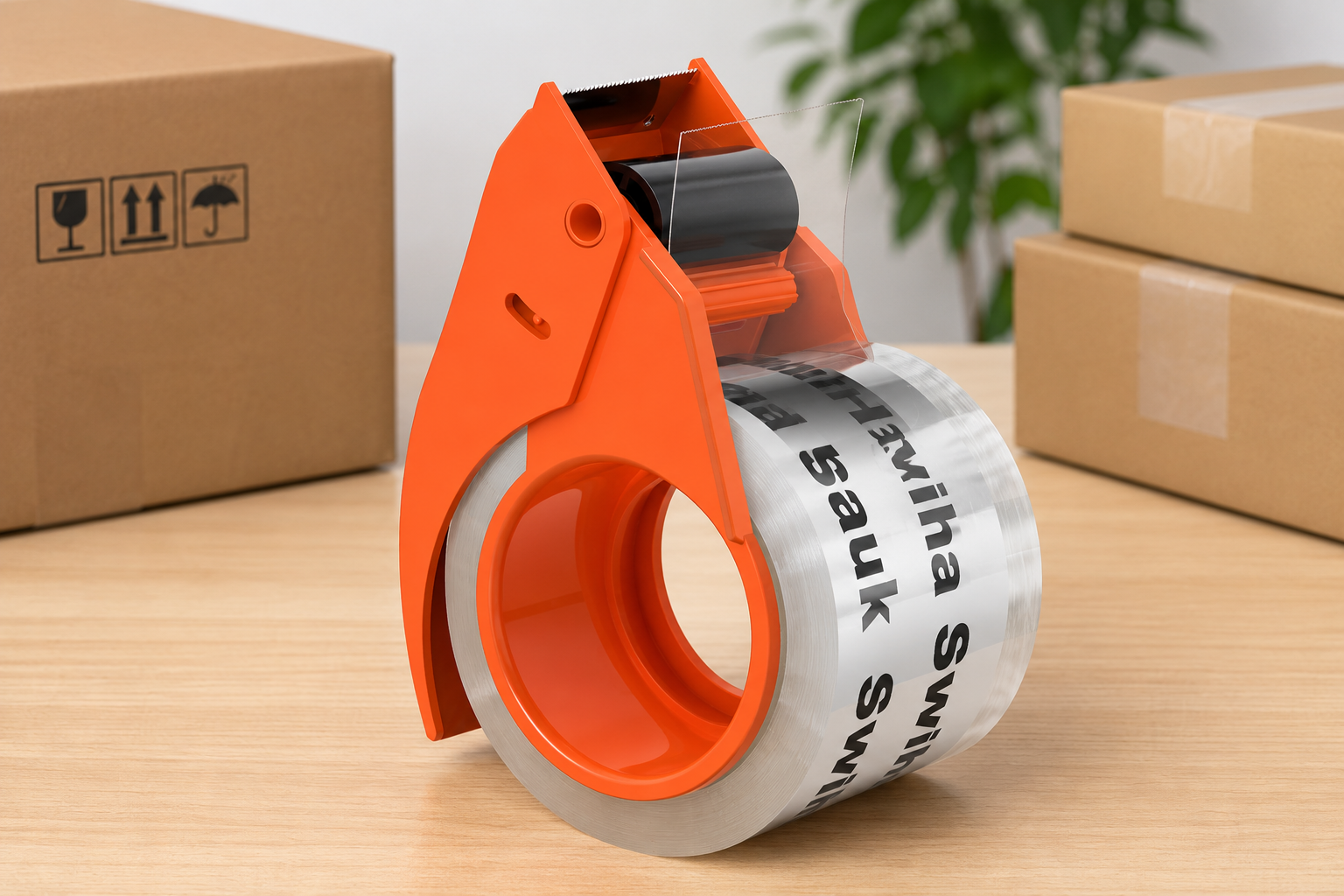
A quality tape dispenser improves packaging speed and consistency.
Benefits include:
- Faster box sealing
- Less material waste
- Better ergonomics
Corner Rounder Punch
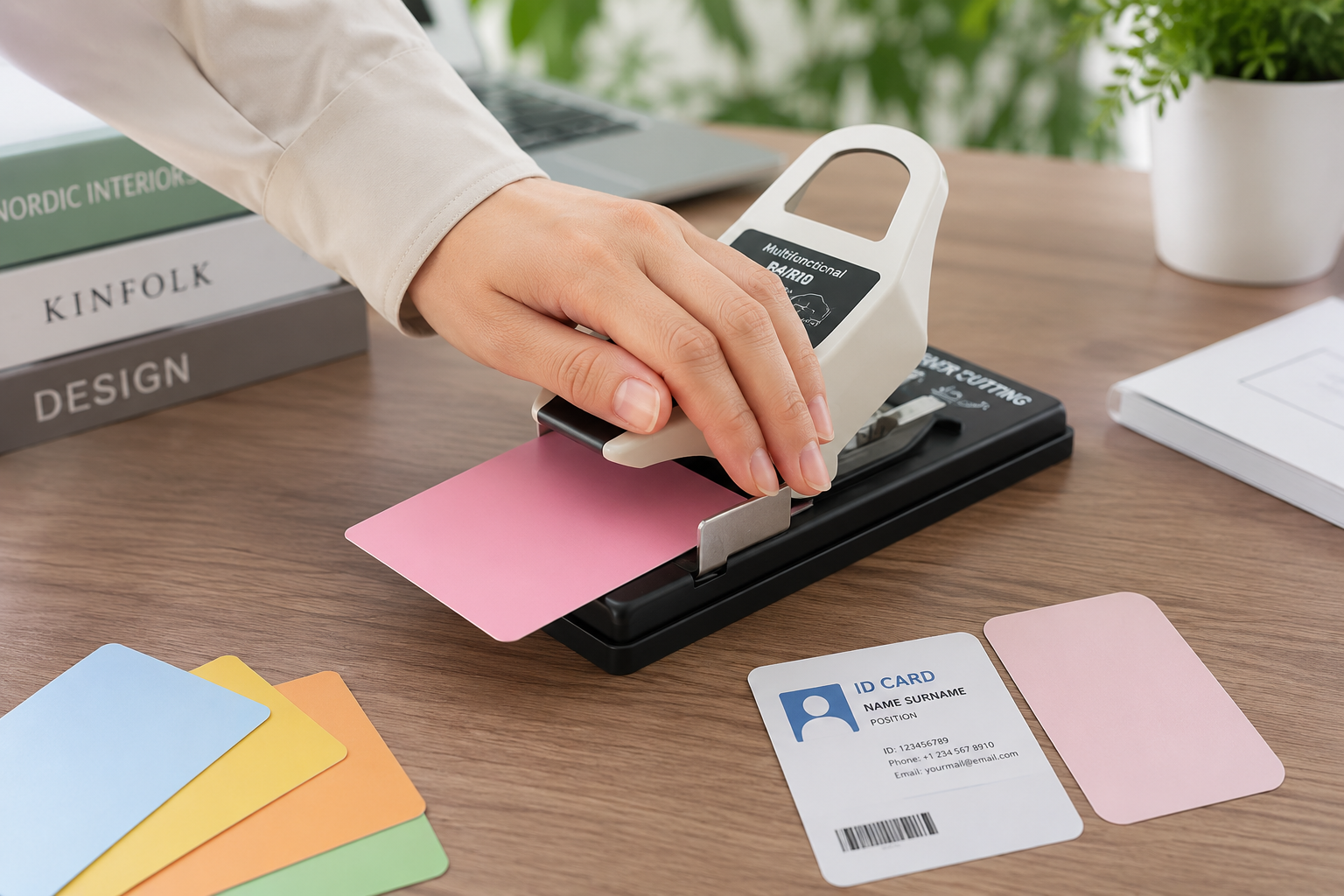
This small tool can instantly improve the appearance of:
- Product labels
- Thank-you cards
- Packaging inserts
- Promotional materials
It creates a cleaner and more professional finish.
Sustainable Packaging Suppliers in the U.S.: Trusted Platforms, Pricing, and Practical Insights for Brands
Packaging Cutting Tools for Small Business
Cricut Maker
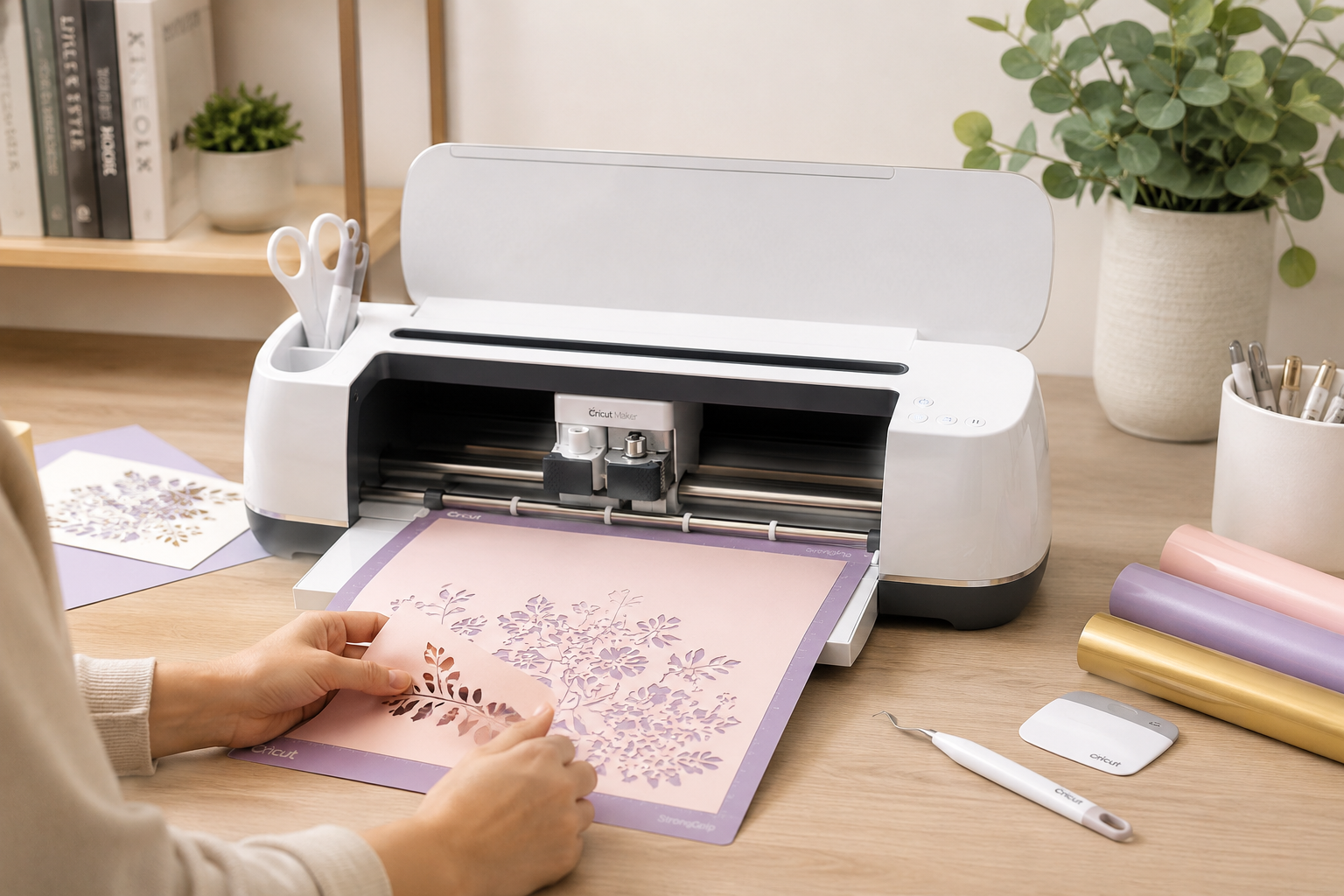
The Cricut Maker can be useful for businesses creating packaging prototypes, stickers, tags, and small custom elements.
It can cut:
- Cardstock
- Sticker sheets
- Packaging sleeves
- Product tags
This makes it one of the most versatile packaging tools for small business owners who enjoy creating packaging in-house.
Precision Craft Knife
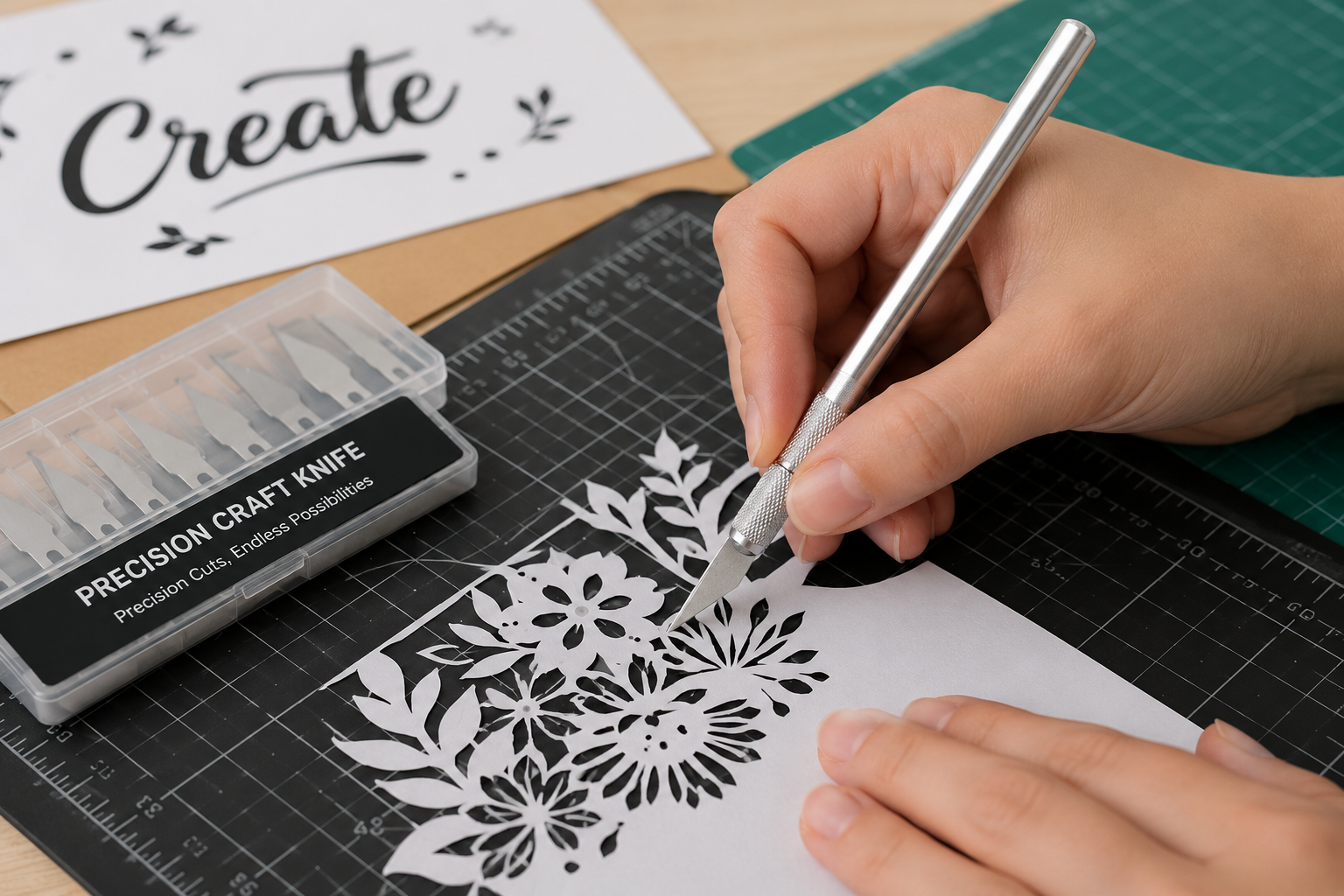
Useful for:
- Prototype testing
- Packaging development
- Sample creation
Self-Healing Cutting Mat
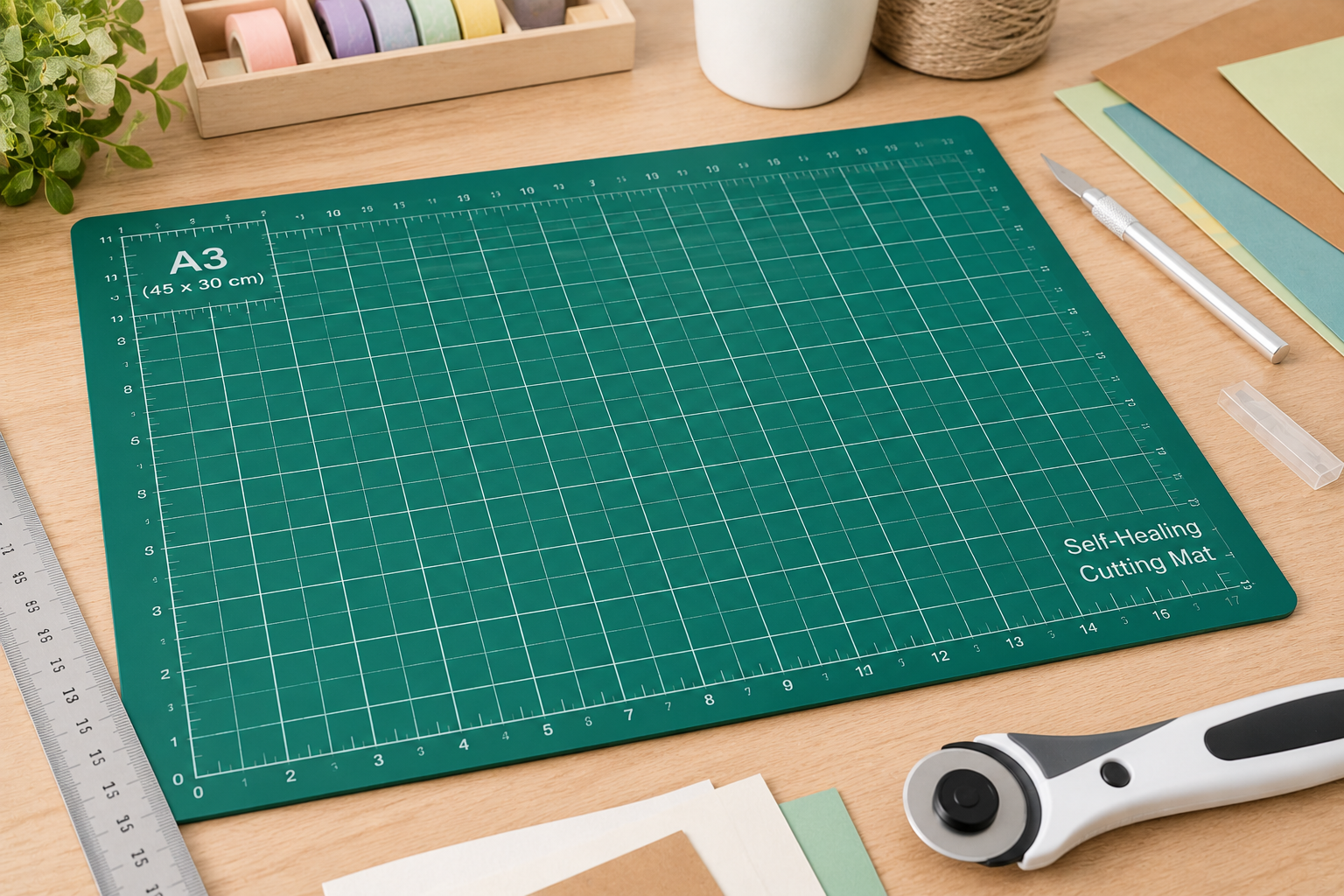
An essential accessory for accurate cutting and surface protection.
Related guide: Eco-Friendly Packaging for Small Businesses
Recommended Hardware for Packaging Designers
Acer Predator Helios
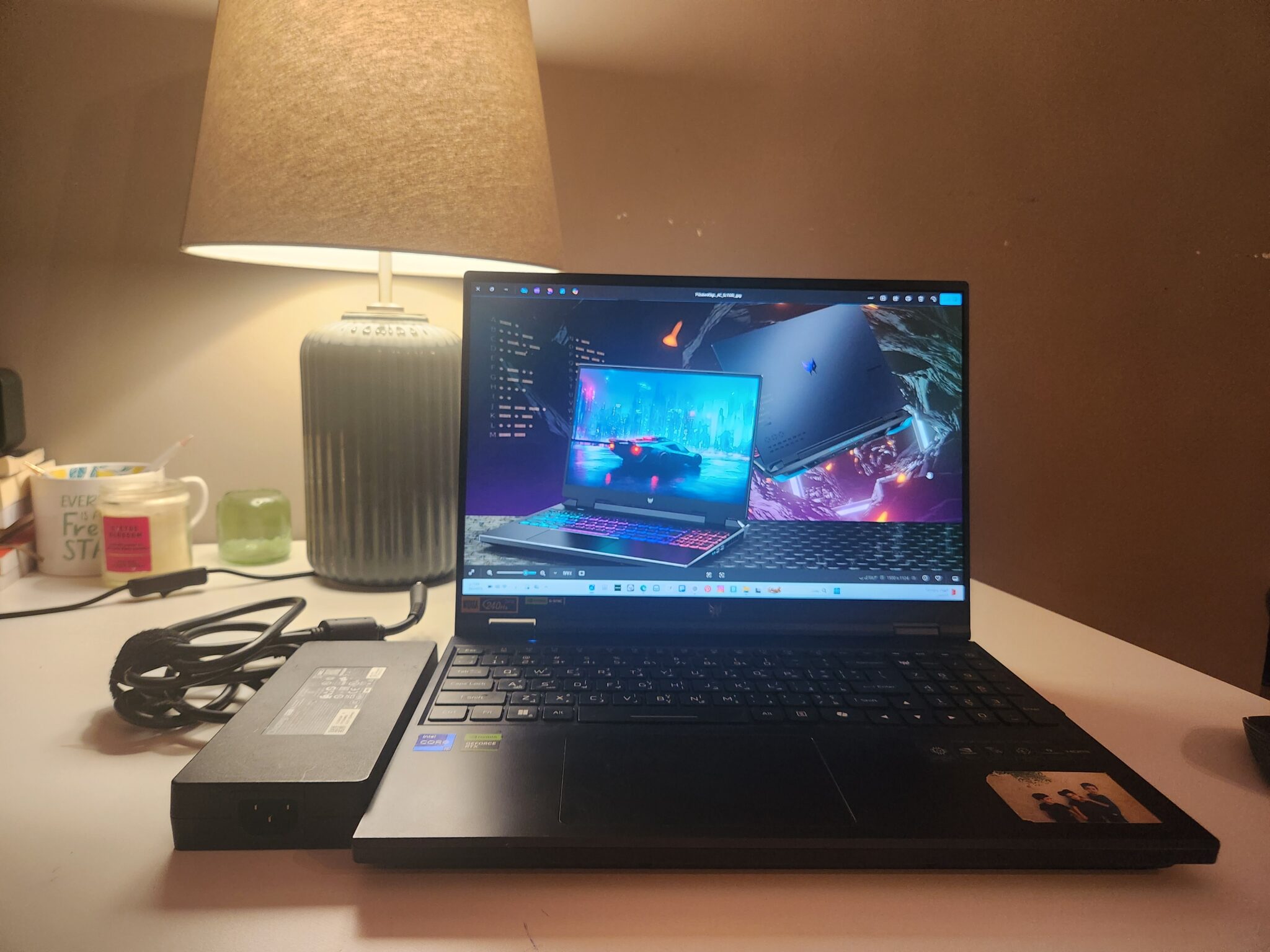
While it is not technically packaging equipment, a reliable computer is a critical part of any packaging workflow.
The Acer Predator Helios offers:
- High-performance processors
- Powerful graphics
- Fast rendering speeds
- Smooth multitasking
This is especially valuable when using Adobe Illustrator, Pacdora, and other design applications simultaneously.
For packaging designers working with complex dielines and 3D mockups, performance matters.
Packaging Tools for Small Business: My Recommended Workflow
Over the years, I have found that a simple workflow is often more effective than using dozens of different tools.
My preferred workflow includes:
- Adobe Illustrator for packaging structure and artwork.
- Pacdora for mockups and visualization.
- Canva for inserts and marketing materials.
- Epson EcoTank for label printing.
- Munbyn for shipping labels.
This combination covers the entire packaging process from design to delivery.
Common Packaging Tool Mistakes Small Businesses Make
Many entrepreneurs spend too much money on equipment before understanding their actual packaging needs.
Common mistakes include:
- Buying expensive equipment too early
- Ignoring shipping efficiency
- Using low-quality label printers
- Skipping packaging testing
- Purchasing tools without a clear workflow
The best approach is to start with essential packaging tools for small business operations and upgrade gradually as sales increase.
Best Packaging Templates for Small Business
Software and hardware are important, but professionally designed packaging templates can save significant time.
Popular options include:
- Mailer box templates
- Soap box templates
- Candle box templates
- Perfume sample packaging templates
- Packaging sleeves
Using production-ready dielines helps reduce errors and speed up packaging development.
Frequently Asked Questions
What are the most important packaging tools for small business owners?
Adobe Illustrator, Pacdora, Canva, a label printer, and a thermal shipping printer are among the most useful tools.
Is Pacdora worth it for small businesses?
Pacdora can be worth considering when you need fast packaging mockups or want to visualize a design before producing samples.
Do I need a thermal printer?
If you regularly ship products, a thermal printer can streamline label preparation and remove the need for ink or toner.
Can Canva replace Adobe Illustrator?
Canva is excellent for simple graphics, but Illustrator remains the better choice for professional packaging design.
Final Thoughts
The best packaging tools for a small business depend on product type, budget, order volume, and workflow. A focused combination of design software, printing equipment, shipping tools, and packaging templates can improve consistency and reduce avoidable production steps.
Start with the essentials, build a repeatable workflow, and upgrade strategically as your business grows.